







Approval workflows
Gate the risky change. Keep the record.
Approvals that live in a chat thread scroll away by Friday. Cycloid puts the gate on the action itself, routed by rule and logged from the moment it pauses.
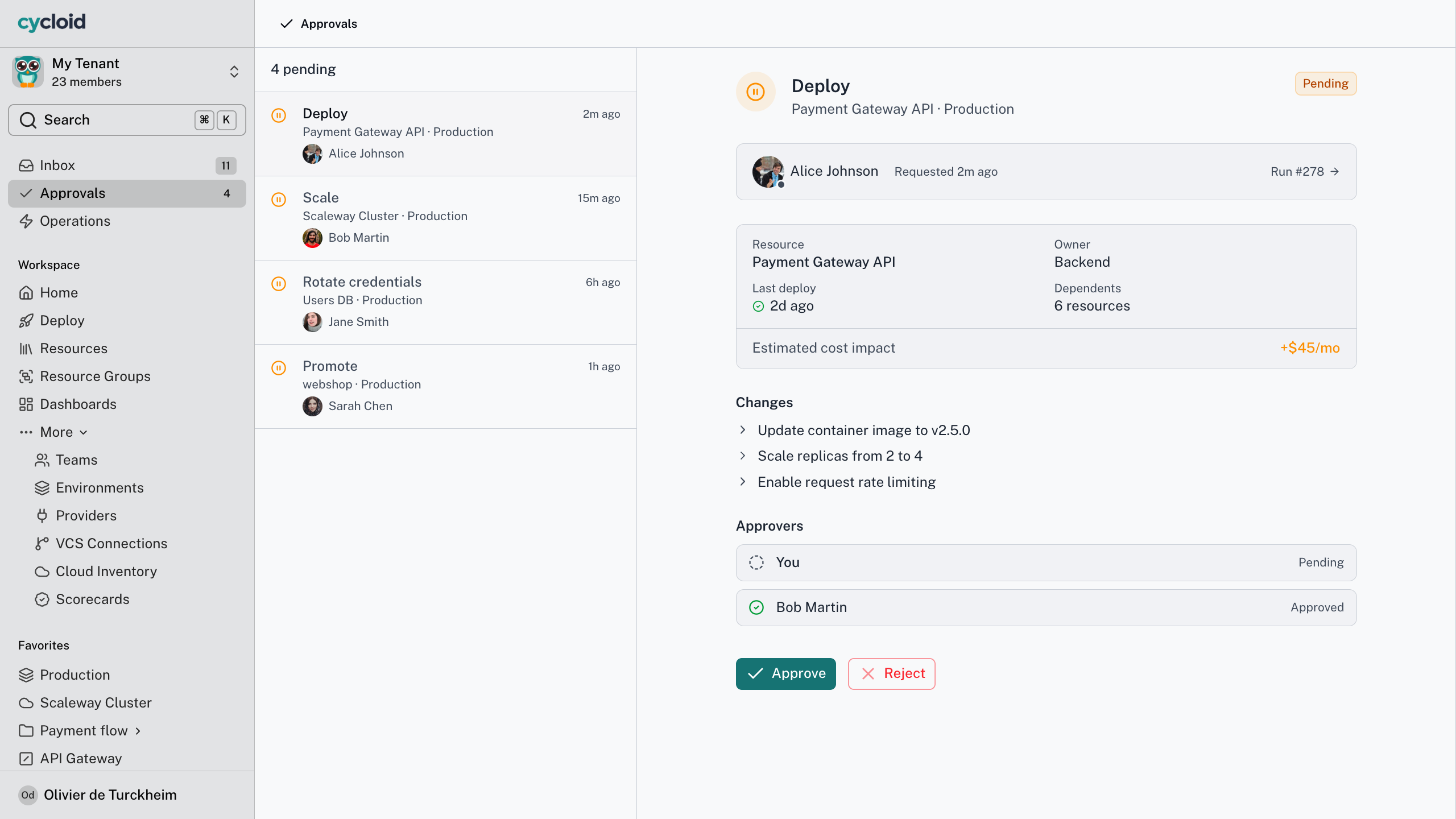
Approval request in the action view
The gap
An approval in a Slack thread governs nothing
Most infrastructure approvals happen next to the action, not on it. Someone asks in a channel, someone reacts with a thumbs-up, the change goes ahead, and the only record is a message that scrolls away. The gate and the action are held together by memory. So sign-off is slow when people are busy, easy to route around when they’re not, and impossible to hand an auditor six months later. Put the approval on the action and all three problems go away. An approval is one of the guardrails your platform team sets once, so developers move without asking.
Cycloid for your team
What approvals change for your team
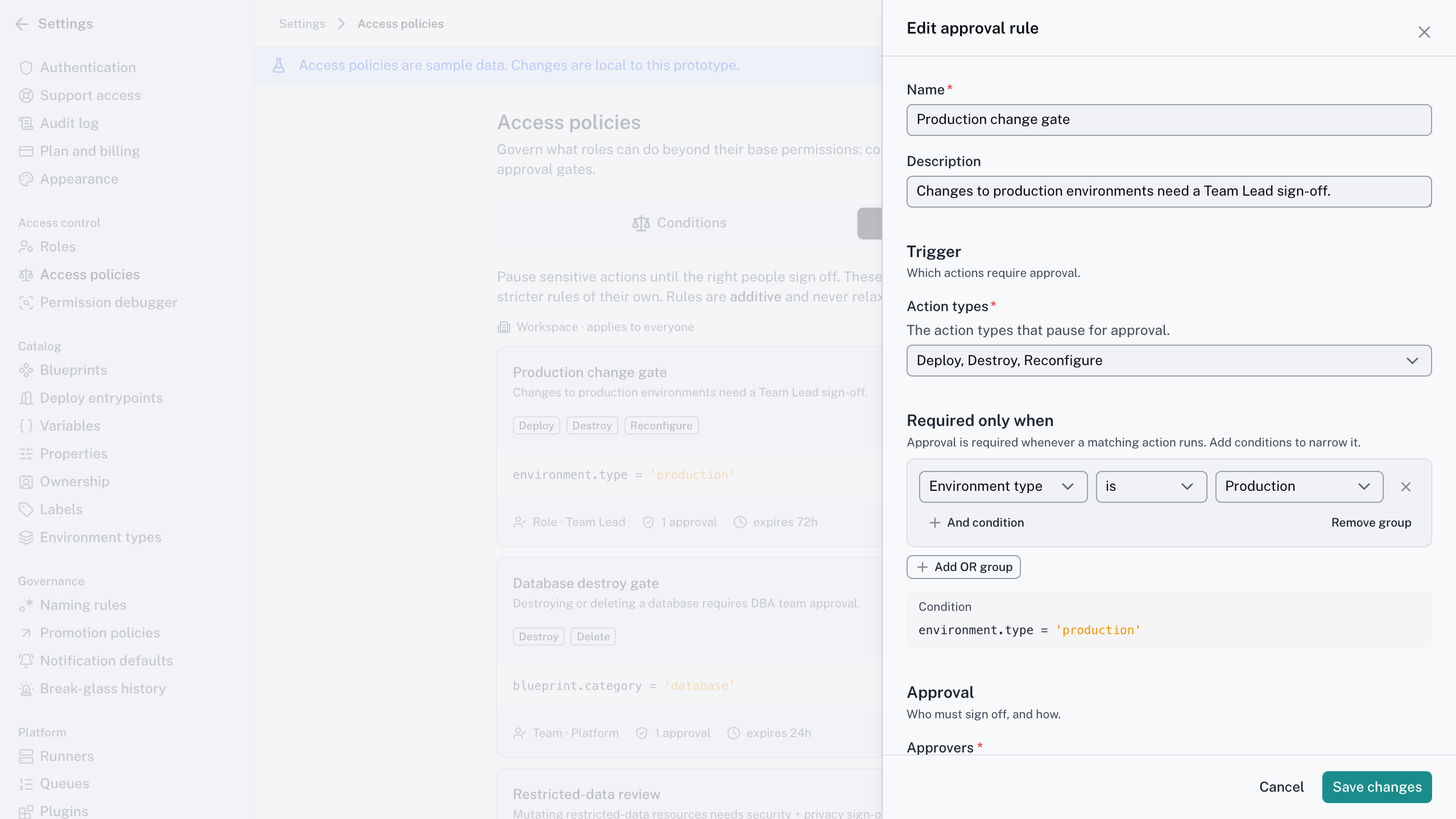
Write the rule once,
not into every Blueprint
The problem
Approvals get wired by hand into each pipeline, and break when people move teams.
With Cycloid
Set the floor at tenant, team or environment level, and route by an ownership field so the rule follows the resource.
The outcome
One rule covers a multi-region estate. Nothing to rewire after a reorg.
Request it and carry on
The problem
You chase an approver in DMs and hope the thread doesn’t get buried.
With Cycloid
Ask from the catalogue, and the right people hear about it where they already work.
The outcome
You see the decision and the reason. Nothing vanishes into a queue.
A sign-off your audit accepts
The problem
Speed and control pull against each other, and sign-off leaves no trail.
With Cycloid
Human approval routed by role or your existing change process, recorded with approver and reason.
The outcome
Expiry enforced, self-approval off by default, every decision provable.
How it works
How an approval workflow runs
01 · Someone submits an action
A deploy, a destroy or a day-2 action. If an approval rule matches, it waits instead of running.
02 · The rules set the floor
Rules sit at tenant, team or environment level. A narrower scope can add rules but never relax a broader one.
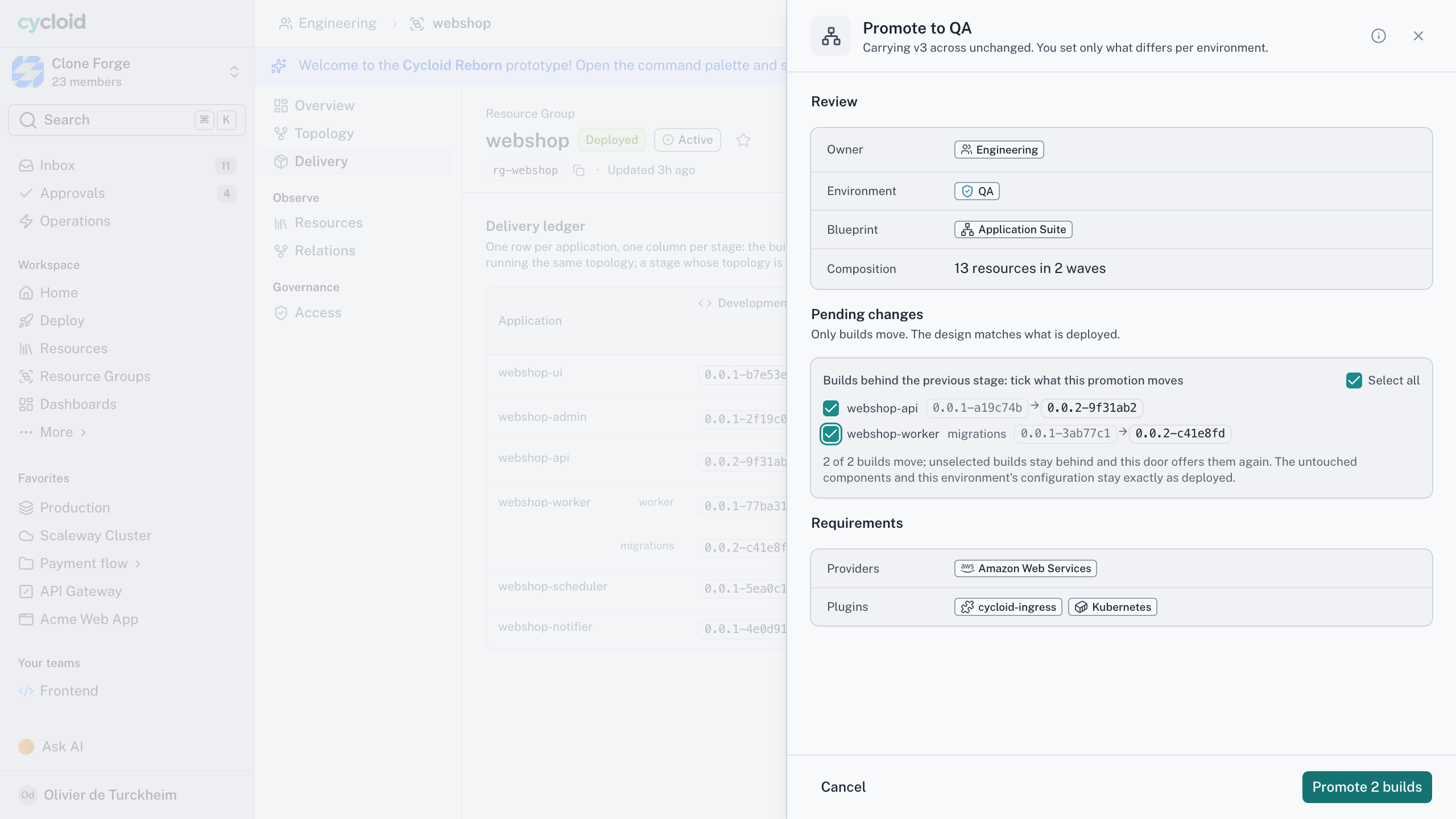
03 · Blueprints can raise the bar
A Blueprint author can add an approval to a risky action, such as destroying an EKS cluster. It stacks on the floor and never lowers it.
04 · The right people get paged
Name a role, a team or a person, or let an ownership field decide. They hear in-app, by email, in Slack or Teams, or through a plugin.
05 · They decide, and it's on record
Groups sign off in parallel or in sequence. A rejection stops the action, an unanswered request expires, and every step lands in the audit trail.
Approvals are layer 4 of the four-layer model, the gate after can I see it, can I do it and do the conditions allow it. Approvals are part of the Enterprise plan. Already run changes through ServiceNow, Jira Service Management or Freshservice? Keep it. Point an approver group at it and the verdict comes back with the ticket reference. Group rules and sequencing are in the approvals docs.
How an approval workflow runs
The short version
Defaults worth knowing before you switch it on
0
approvals skipped, even in a break-glass emergency
72h
to approve by default. Later, nothing runs
1
person who can’t approve your own change, by default
4
places, including in-app, email, Slack and Teams
Deploy the new Redis cache to production.

Production requires approval for this action, so I’ve raised the request. Nothing is running.
Request 412 · create redis-prod
Pending approval
Approvers
platform-leads
Requested by
You, through the assistant
State
Held, nothing created
Working with your assistant
An assistant doesn't get a fast lane
Does the assistant get its own permissions?
No. There’s no service account and no elevated assistant role. If you can’t deploy to production, neither can the assistant you’re talking to, in Cycloid’s own assistant or any compliant MCP host.
A request that needs approval waits the same way whoever submitted it. From your assistant it’s held exactly as it would be from the portal, the approvers are the ones your rule names, and nothing runs until a person decides.
Approvers can work in the conversation too. Asking what’s waiting is an ordinary question. Recording a decision returns a preview first, and it lands in the audit log as your decision, carried out by an assistant.
Frequently asked questions
Yes. Point an approver group at ServiceNow, Jira Service Management or Freshservice through a plugin. The decision happens there and comes back with the ticket reference and approver recorded.
Yes. Gate every production deploy on a Team Lead and let dev deploys self-approve for the record. Environment rules add to what the tenant already requires. They never take away.
Both. Parallel pages every group at once. Sequential goes in order, so Security only hears about it once the Team Lead approves, and a rejection early on spares everyone downstream.
The request expires, after 72 hours by default, and the requester learns which rules went unanswered. A rule with no eligible approver is flagged as a misconfiguration to whoever wrote it.
Bring the approval your team routes around
The change everyone DMs about instead of filing. In twenty minutes we’ll run it through a Cycloid rule, decided in Slack and your own change process, and logged end to end.