DEVOPS ROLLOUT
Cycloid for DevOps Rollout
Is DevOps dead? Of course it isn’t, it underlies everything platform engineering strives for.
Keep fighting the good fight!
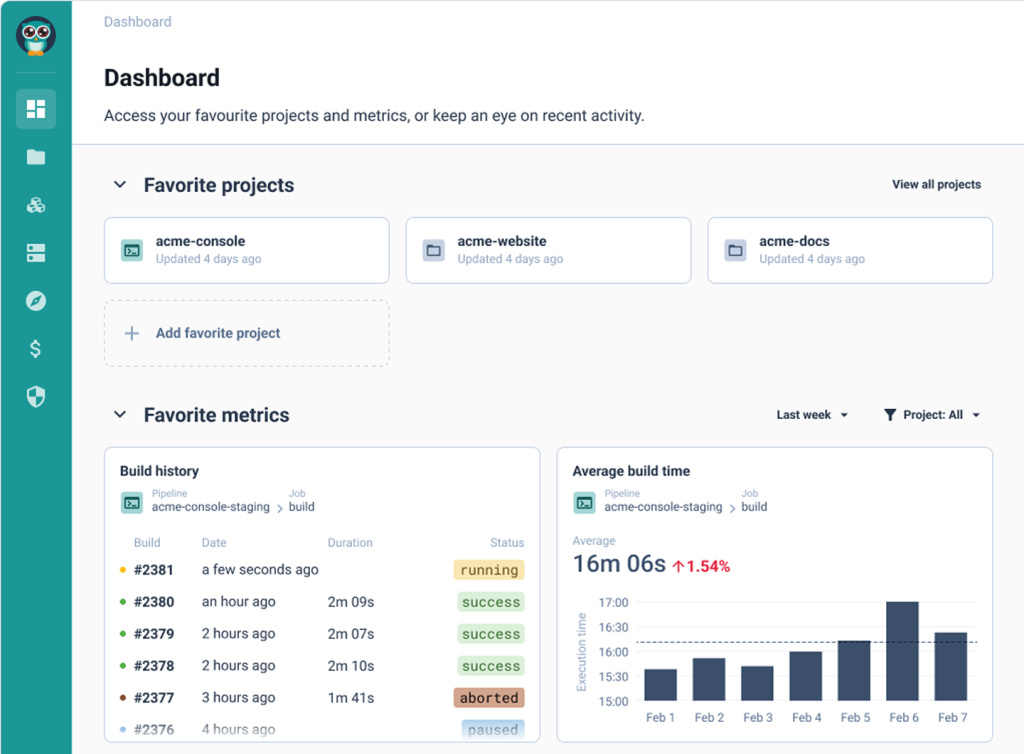
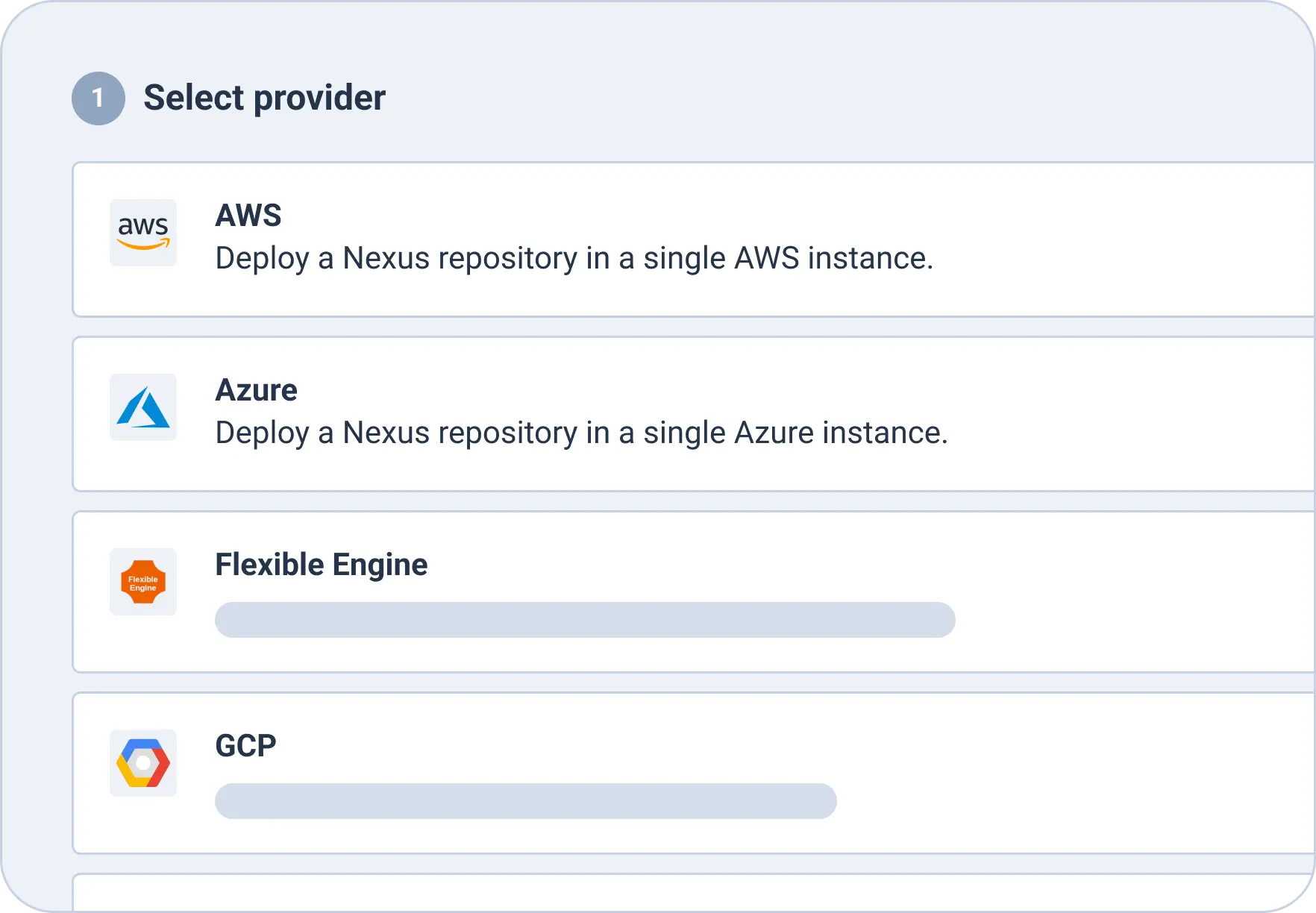
In this video, we are going to review how the platform teams will implement your CMP and IDP use cases. So let's get started. The first thing you want to do as a DevOps is to create what we call a stack, which is basically an automation. So let's push this button, create a new stack. And as you can see, you have two options, import your infrastructure with generate infrastructure as code from something already deployed or create from blueprint, which is a blueprint of, an automation that your center of excellence will have approved. So let's go for that. Here you can see we have, multiple automations including Terraform, Ansible, and Chart. You can add more, of course, such as native Kubernetes manifest or for Argo CD or for Flux or for any other kind of automation. You can build your own blueprints. So let's take, Terraform for AWS as an example here, and I'm going to create a stack that is, for example, named my infra on AWS. And I'm going to push this blueprint inside this catalog repository. So let's go. Here it is. I have my new stack that has been pushed in this repository. Let's have a look at it. So I'm going to go here. This is my demo organization git that has been connected to my organization. And here I can see on my stacks branch. Okay. I have my info on AWS stacks. So if I go in here, we can see that just now we have pushed a template of a stack that deploys some Terraform on AWS. So now as a DevOps, what I need to do is to customize my Terraform in the first place. So I will go in my instance. So these are just examples. Okay. So you need to customize this. These are just, simple examples. Then the second thing you want to do is, to review the pipeline because the pipeline is executing the Terraform. But, maybe you want to have a look at it. Okay. So especially the variables that are passed to my Terraform modules. Okay. So these are the variables passed to your Terraform modules. It's pretty simple in that case. And, here you have just the execution of the Terraform. This is the destroy, and here you have the Terraform apply that is, just here. Pretty simple. It's, pure YAML. The template usually is good enough, so you don't have to change so much if you want to just execute some Terraform. Then you have the dot cycloid dot YAML, which is the metadata on how the stack is displayed on the portal. So you have, here the name for the stack. You have a description, you have an image, some keywords. So it's basically how it is displayed. And then you have the read me, which is, some documentation the user can see directly if you click on the stack in the portal. So now I want to check this dot form dot HTML, which is a very important file. It is actually the design of the web form that you want to expose to the end user when he wants to actually use the automation and deploy some infrastructure, for example, or some applications. And here, I want to expose some AWS account list, some region, taken from this endpoint. It's just examples, of course. I want to to have the end user select an instance type. It will be a Terraform variable named VM instance type. And, I allow the end user to select between these three choices. The default value will be that one. Okay. And, basically, if you want to design all these as as a DevOps, you will copy this file and then go to tools, stack form editor. And then here, I will just paste this file. I validate. And as you can see, there is no error. So the syntax is good. And here you can actually play with it. So you can see how it looks like. So here, for example, my instance type, I have these three choices and you can see these three choices are presented in, what we call a slider list. Okay. So it's a slider list, in a horizontal manner. Here you have a slider range between a minimum and a maximum value, and you it's rendered exactly like that. So you can choose, for example, one hundred, gig here. And you can really, do very powerful things with, for example, conditional fields. So here you have examples you can directly use. And here you can see if I select this, there is conditional field for advanced use cases, for example. Or you have, you know, dynamic values. So if you want, for example, to have, here from ten to fifty, and if I select that, then the values will change. Okay. And that's what you can actually see in here. So that's kind of logic you can do as well. So you really build your StackForms, design, in this tool. And whenever you are happy with it, you go back in here and you push your file in the git repository. So that's basically what a DevOps will do. Okay. So that's how you create stack, and make them available to your end user. But you want also to customize the portal itself. So to do that, you will go to organization settings. And here you can brand exactly in your color the the portal. Right? So here I have put my logo. I have put my color. But if you want to change the color, that's not a problem at all. You will just go here and, select another color. And whenever you are happy, you can do save. And then and then you can see the color has changed because I have just changed the color of my custom white label portal. Another thing very, very important, is the possibility to customize the portal. So you can really integrate any third party tool that you may have. So this is how your platform team will be able to build a service catalog for your end users, display it in a custom self-service portal exactly branded with your logo and your colors, and also expand the portal with some custom plugin to integrate your different tools. So all your users have all the information they need in one place. I hope you enjoyed this video.
What are the challenges?

DevOps values still aren’t the default values of your org


Bringing the benefits of DevOps to your teams is harder than expected, right? 10 years in and most enterprises are still lost in translation. Trial and error can lead to questionable decisions, like DIY platforms that create more problems than they solve, manual infra that’s still dragging people down, and more “desperation” hiring than you ever thought possible. Do you know why? It’s because the real issue is bigger than tooling or new engineers – it’s about agility, flow, and sustainability. It’s quite a tall order – does your IDP have your back?
Unlock DevOps in your organization and watch the business flow and grow
Our platform is built for organizational change management
We’ve said it time and time again – digital transformation is about change management, not tools. And change management lies in the decisions and actions of your people. We can’t – and shouldn’t – make those decisions for you, but once you’ve made them, we can help make them stick. Decided to finally get a grip on your wasteful cloud costs? Cloud Cost Management is for you. Decided to audit and tighten permissions? InfraPolicies is with you every step of the way. Decided to make the move to the cloud, but need a solution for your legacy infrastructure? Infra Import is the tool for you. It’s change made tangible.
Cycloid empowers the team you have, not the team you think you should hire
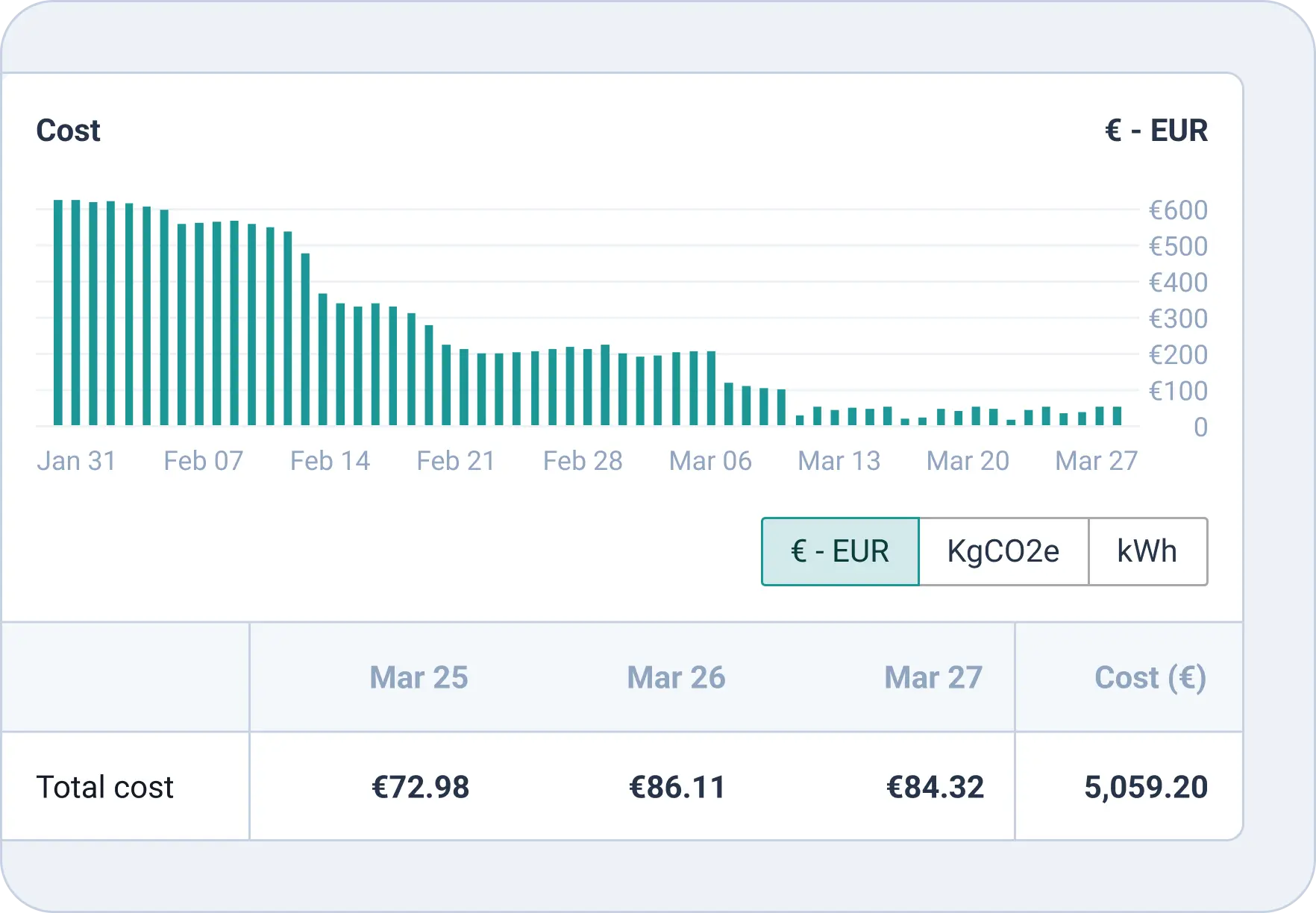
Many organizations make the mistake of thinking that to roll out DevOps, they need to hire a brand-new platform engineering team. Not so – not only is it unfair to your existing team, but it’s costly, complicated, and actually very hard. Instead, Cycloid gives you tools that allow you to empower and upskill the team you already have, giving devs access to the infra with tools like StackForms, opening up your infrastructure to all stakeholders (expert and non) with InfraView, and making sure that all this flexibility and independence doesn’t lead to chaos, with governance-oriented features like Cost Explorer, Custom Roles, and InfraPolicies.
You need sustainability, built-in from the ground up
Sustainability isn’t a buzzword or a flash in the pan. It’s a sustainable, proven methodology for helping companies transform their tech teams and scale at the pace of modern business while also lasting the distance. Plan for the long term and prepare for unpredictable changes by making sure you have a customizable, end-to-end platform that can move and change as quickly as you will need to. With nearly endless integrations, no lock-in, and features that support the SDLC from start to finish, Cycloid is the tool you’ll wish you had when everything comes together and your company shoots for the stars.

Outcomes
DevOps-first mindset
Be the visionary and help your team adopt a DevOps-first mindset to reach success – with Cycloid’s help.
Upskilled team.

No more extra hiring – empower the team you have to be the team you need.
Solid foundation

Build in long-term success and prepare for a bright future from day 1 with Cycloid.
Outcomes with Cycloid
Cycloid provides the core features you need to deliver an internal developer portal under a month with your platform team
DevOps-first mindset
Be the visionary and help your team adopt a DevOps-first mindset to reach success – with Cycloid’s help.
Upskilled team
No more extra hiring – empower the team you have to be the team you need.
Solid foundation
Build in long-term success and prepare for a bright future from day 1 with Cycloid.