
GOUVERNANCE
Le juste équilibre entre contrôle et flexibilité pour les équipes techniques
Une compréhension globale du risque
La gouvernance est essentielle en entreprise : il s’agit d’une compréhension et d’une gestion du risque à la fois holistique et transversale dans votre organisation. Ce n’est pas une série de cases à cocher, chaque membre de votre équipe technique doit pouvoir évaluer l’impact potentiel de ses actions sur le projet, les outils ou le cloud. Bien sûr, Cycloid est là pour vous guider et vous accompagner.
Infra Import : industrialisez vos déploiements rapidement
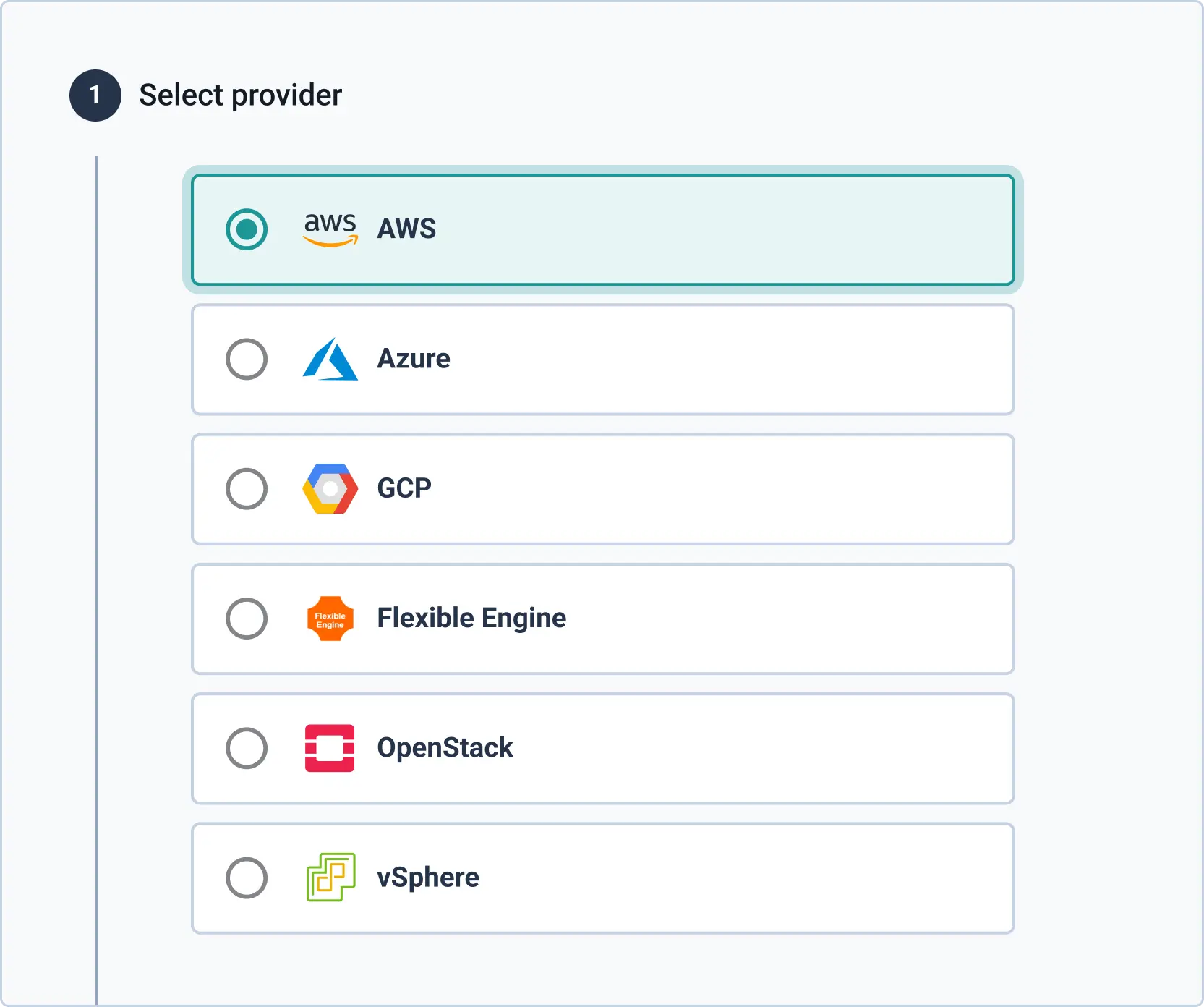
Infra Import est notre générateur d’infrastructure-as-code basé sur l’outil open source TerraCognita. Il se connecte à votre infrastructure cloud déployée manuellement et crée automatiquement votre fichier Terraform ainsi que les modules Git associés, vous aidant à moderniser et à faire évoluer votre activité de manière reproductible et maîtrisée.
Multi-organisations
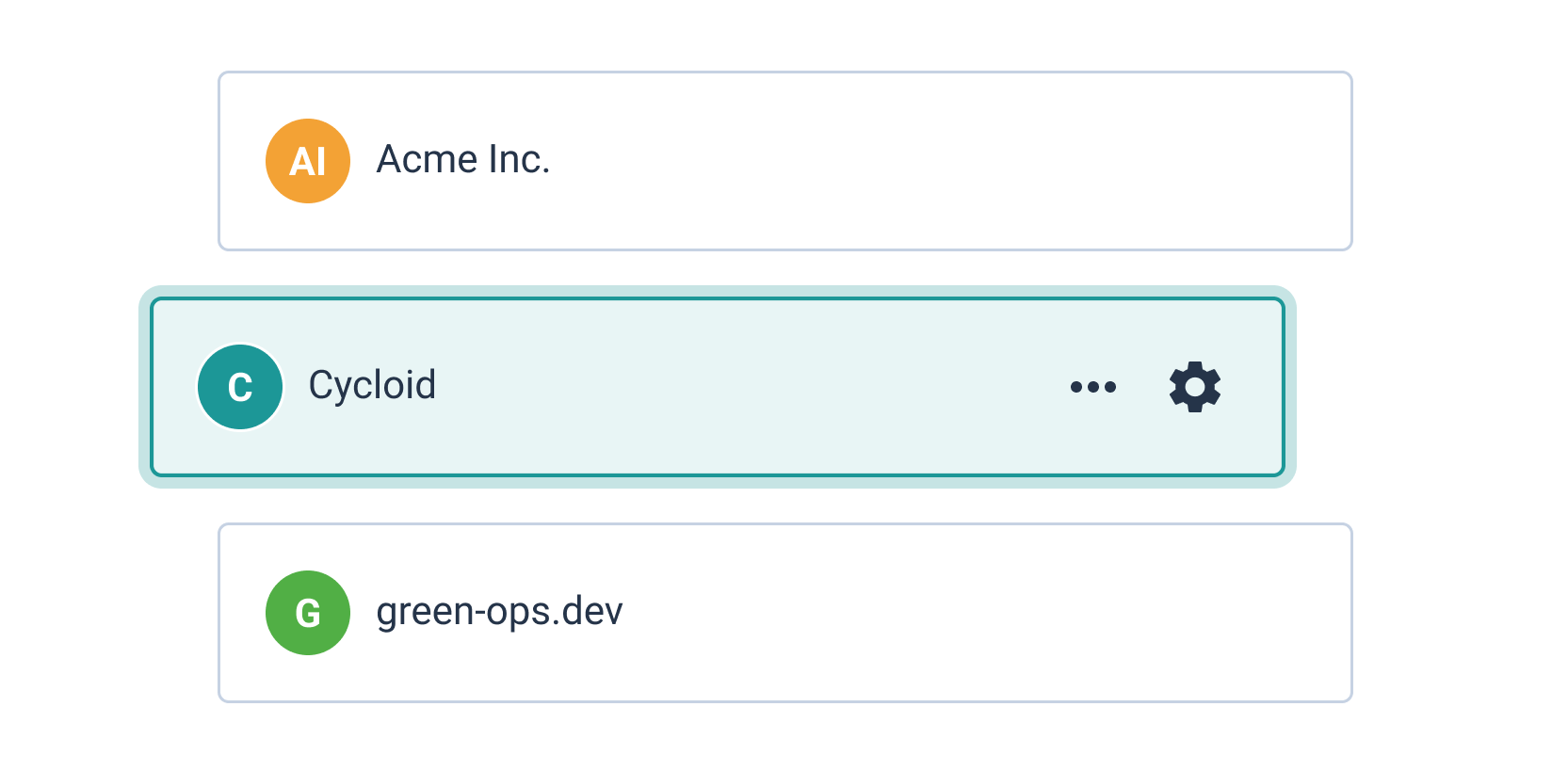
Si vous gérez plusieurs organisations totalement isolées, la vue Managed Services / Business Unit est l’outil qu’il vous faut. Un hub centralisé unique vous permet de structurer ces différentes unités de la manière la plus pertinente pour votre équipe, puis de les gérer depuis une console efficace et rationalisée.
Gouvernance et flexibilité
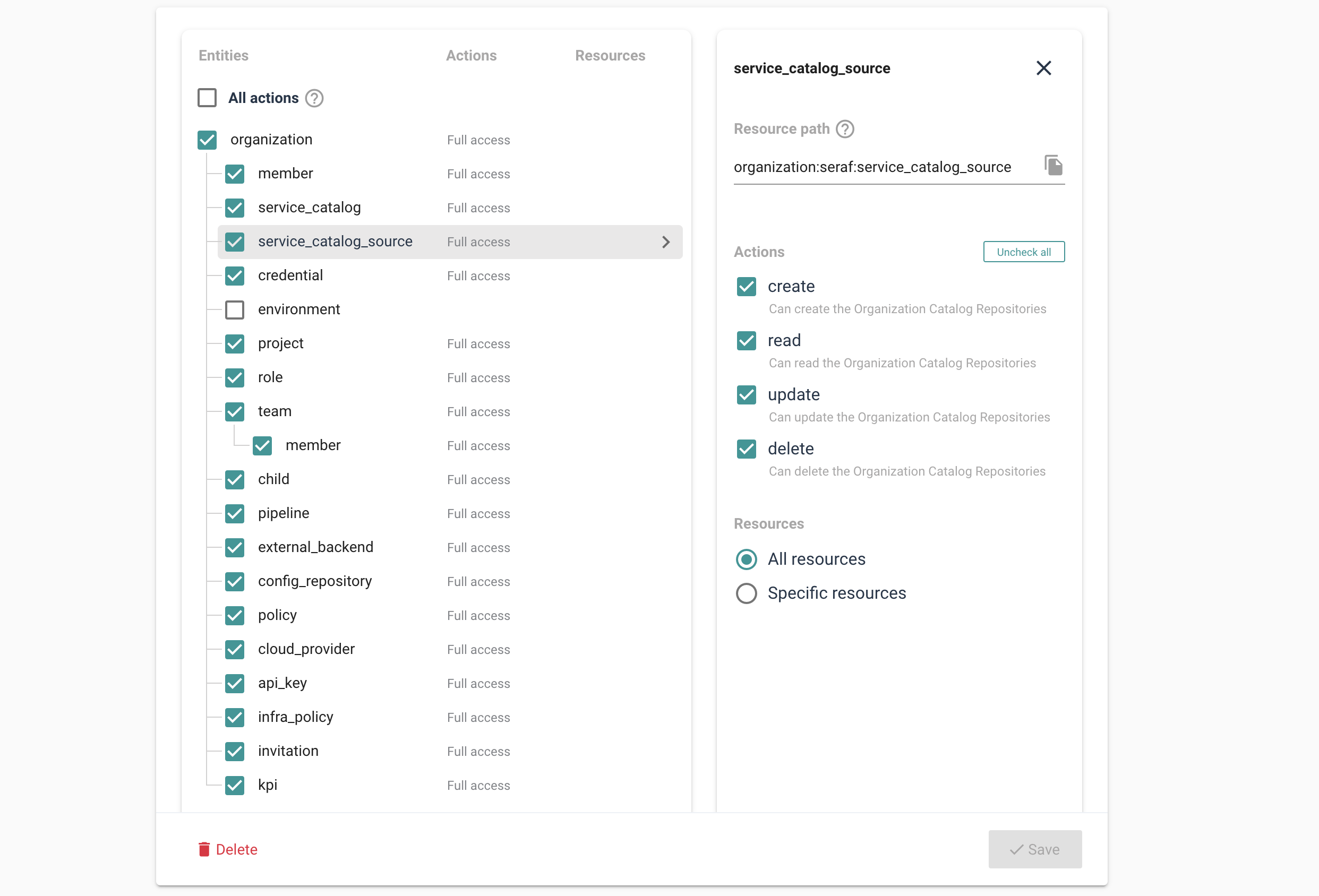
La plateforme permet aux responsables des outils et du cloud de s’assurer que les droits de chacun sont directement liés à leur rôle. Ces fonctionnalités pré-définissent les privilèges minimaux, garantissant la gouvernance tout en offrant la flexibilité nécessaire pour accomplir le travail. Pour cela, Cycloid utilise Open Policy Agent (OPA), standard industriel, vous permettant de définir les rôles et de déployer des policies en toute confiance.
Entreprise
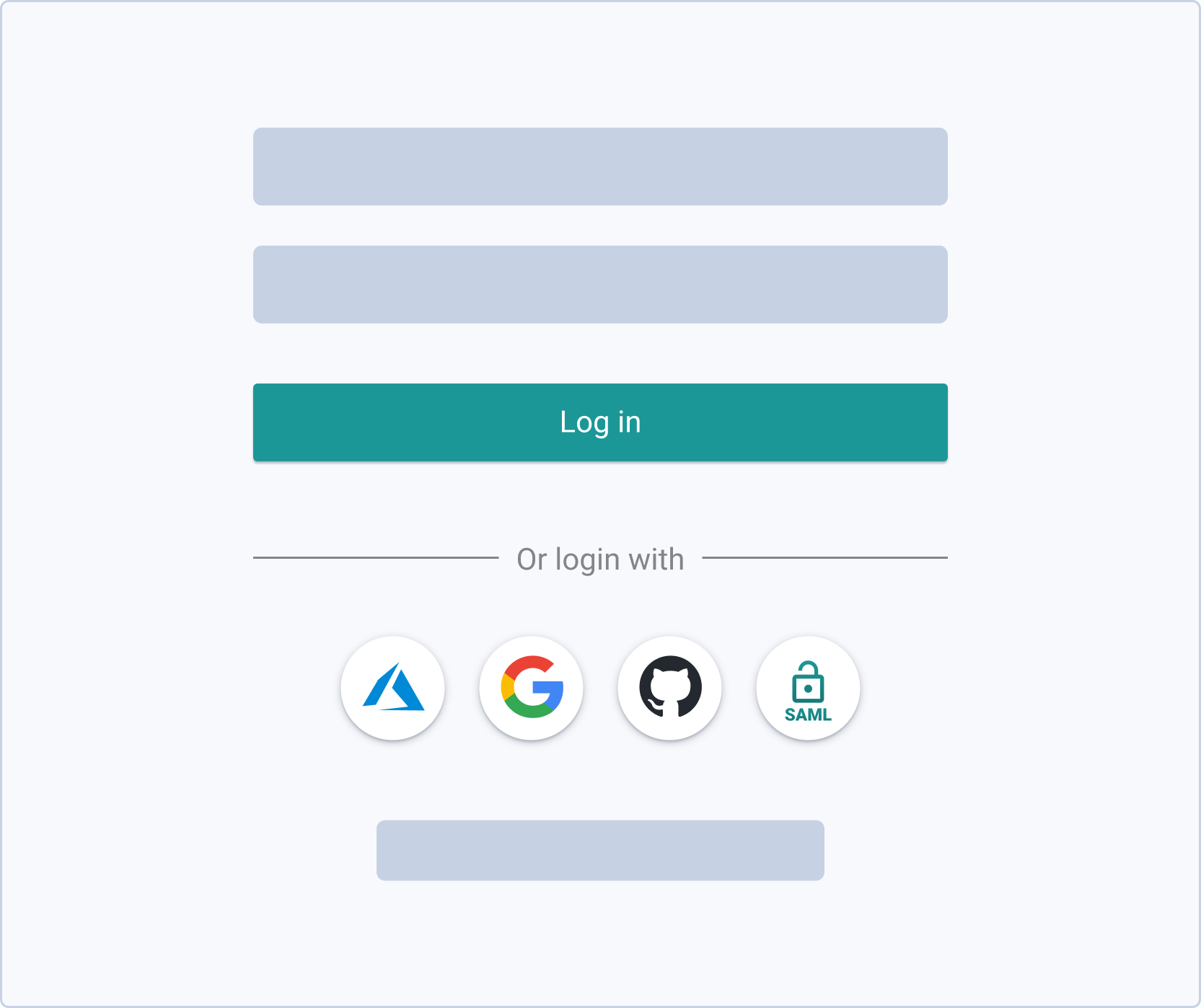
Les outils Cycloid sont adaptés à toute organisation, mais offrent des fonctionnalités spécifiques particulièrement efficaces pour le niveau entreprise. La plateforme peut être utilisée en SaaS ou sur site (on-premise), selon les exigences de gouvernance de votre organisation. Vous pourrez également intégrer Cycloid à vos outils existants, tels que OpenID, SAMLv2 et AzureAD.
Equipes et rôles personnalisés
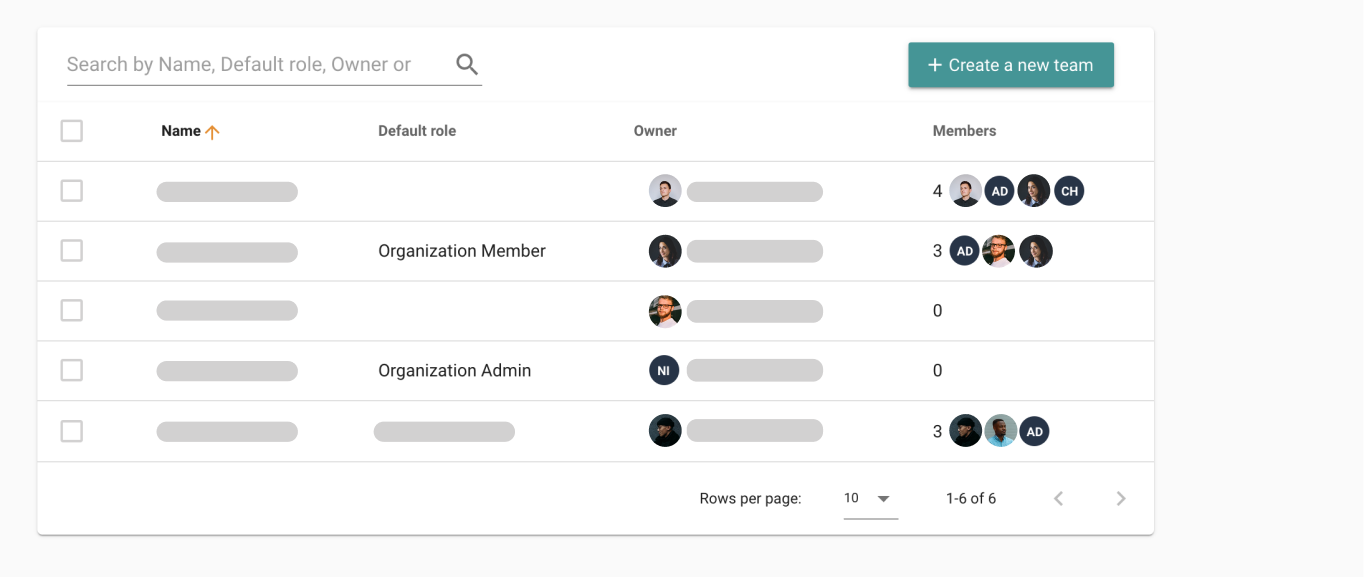
Cycloid facilite l’application du principe du moindre privilège pour tout ce que fait votre équipe technique. Vous pouvez définir les limites et standards (équipes, rôles, politiques) que vos techniciens doivent respecter dans toutes leurs interactions avec le projet.
InfraPolicies et plus encore
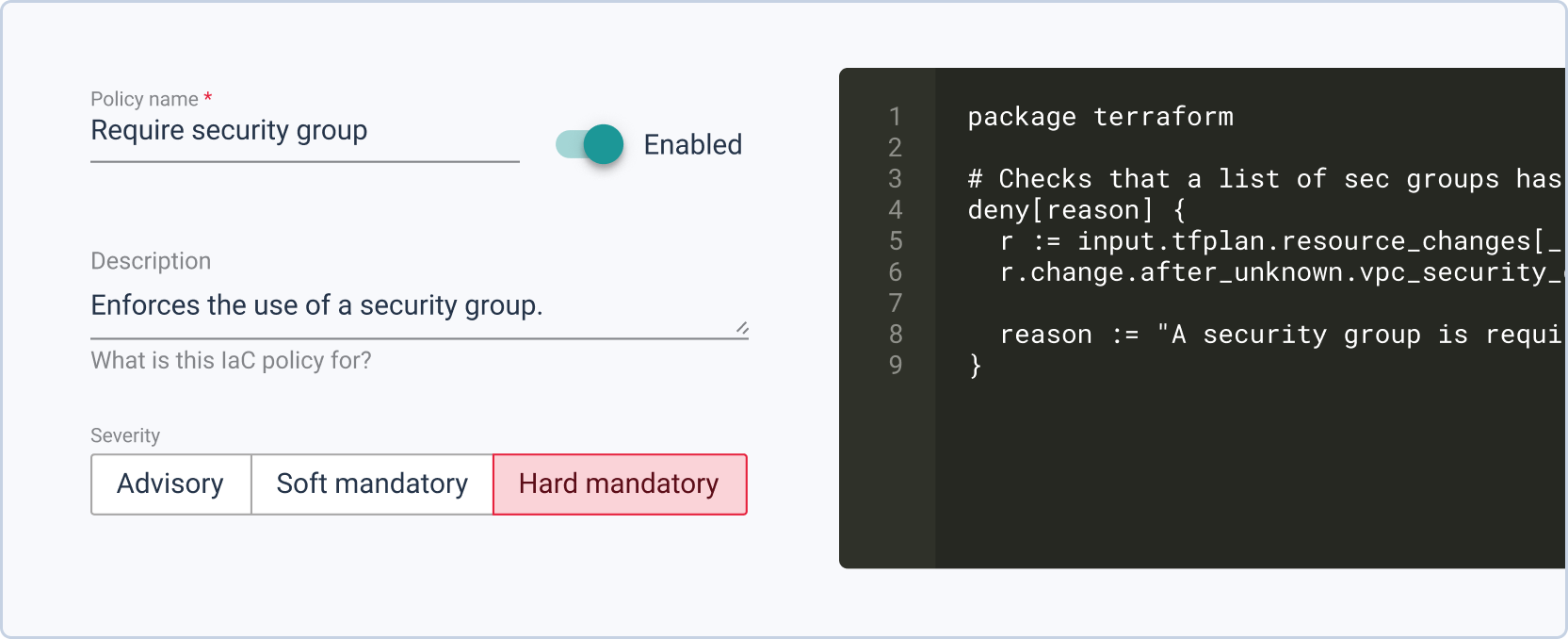
InfraPolicies est une implémentation Policy-as-Code basée sur Terraform, offrant un contrôle fin sur les modifications apportées à l’infrastructure tout en définissant des règles de validation. Plus tard, des outils comme StackForms et TerraCost permettront de définir des limites automatiquement appliquées, libérant vos équipes opérationnelles de la surveillance constante et évitant les problèmes involontaires.
Cycloid pour la gouvernance, la sécurité et la conformité
Hi. In this video, we are going to review how Cyclit platform engineering can help you to bring governance, security, and compliance to your organization. Cyclic platform engineering expose this kind of catalog of services to do to your end users, including developers in use cases such as CMP and IDP. But you want to expose this kind of automation in a controlled manner with governance, with security, with compliance. So the first thing I want to emphasize here on this topic is that you can deploy and host Cycloid platform engineering on premises or in your cloud providers of choice. So you can definitely look at the change log and define when do you want to upgrade the platform yourself. And it can be also air gapped if you want to. But before we move forward, I would like to go through some basic concept of Cycloid. So first of all, Cycloid is a multitenant platform. We call each tenant an organization and in each organization you will invite different users and, eventually they can be authenticated through your identity providers such as Microsoft Entra ID for example, through SAML or OpenID Connect. And each organization will have also a set of stacks and that will constitute the service catalog that the user will be able to consume. Each stack is actually version control in your git. Okay. So all the catalog of services is version control in your git and Cyclery is going to read your git to expose the catalog of service in the portal. In terms of consumption, the user will actually, first of all, create what we call a product, which is basically a business application. It can be a website or web application. And then in each project, you will have one or several environments. So it can be production, it can be staging. Or if the user is a developer, it can also be, testing, a pull request, for example. And then in each environment, you will have one or several components, which is really where the automation is executed to do something, to deploy some infrastructure, to deploy some application, to manage some container. So it's really a wide possibility in terms of automation that you can run here. What you can see here is stack form auth configuration and this is where the end user is going to define the desired configuration according to, the web form that has been designed by your platform team. So the design is going to be stored in the stack, but the values that the end user fill in is going to be stored in the git config. This is also your git. Okay. So both of them are your git. So this is for the repeatable automation, the stacks. These are for the desired configuration of each of the deployments. And, optionally, you can have also the management of Cloud Bucket to store your Terraform state file. So Cyclery can act as an HTTP Terraform, backend endpoint. And, Terraform state file will be persisted in a cloud bucket such as an s three bucket or a container on Azure or a cloud bucket on GCP, for example. Okay. So now that we have reviewed the basic concept of Cycloid, let me go through a quick demo. So first of all, the organization are organized hierarchically. So that means if I go, for example, on this organization, I can see I have sub organization. So it's just to get a better organization so we can have a business unit, for example, maybe some departments and maybe another layer of teams, let's say. So if I go for this organization then you have a couple of settings here for each of the tenants. So first of all you can integrate with an identity provider such as, Entra ID. You can enforce multi factor authentication. You can, of course, configure a remote back end. So that's exactly what I just said. So you can configure your S3 bucket or, GCP Cloud bucket as the remote back end to persist your Terraform state file. And you can configure also the white label portal here. So to customize your color your logo and, colors, to adapt to your branding. Okay. So that is to set up your tenant, your organization. But now what about the users? What can they do in this tenant once they get invited? Of course, people will just consume the catalog of services, and they will not really care about security, about managing the the credentials, and managing the the roles, for example, and more advanced things like that. So that's where the role based access control comes into play. So to configure roles, you go to security and roles. And here you can see you have a couple of default roles, which are generally enough to start with, but you can also add custom roles as well. So if you want, for example, a role that can, manage the roles, exactly what we are doing here, you can check this one and then say in a crude manner what are the actions that are allowed, for for, for this role. Okay. So maybe I can, do everything or I can, just, read, for example, the the role. So you can decide what is the actions, on that item. Of course, you have same thing for a credential to manage the service catalog, to manage the policies that's more for compliance, the I API keys, and so on. So once you have created your role according to the different position you will have in your team, you want to go to the organization settings here. And you want to assign these roles eventually directly to people, but, in general, that's not the best practice. What you want to do is more to assign to different teams. We call it teams, but it's actually a group of users. So if I go to the operations team, you can see that all these people, they will actually inherit finance admin and organization admin because it is a operation. They have full control, on this, tenant. So we have seen, how to set up multi tenancy, configuring the organizations, inviting users through Entra ID, for example, and then assign roles with the role based access control modules so each of the user can actually do their job in full autonomy no more no less. Now we can review how a user will actually work and see a project for example. So if I go to project here in this organization and I will go to my demo app. If you remember, this is the business application. I have here a dev environment for because I am a developer. And here I have a staging environment because I want to deploy a released application, which is a node application. In that case, this is going to deploy infrastructure and application at once. This is more for developer that, will, manage, you know, snapshot of database, scaffold git repository, and test a PR, for example, from that git repository. So that's the different components as we have seen before. And last but not least, we have also an observability. So it's important to control, but it's also important to, observe. So we can see here with the audit logs who has done what. And eventually, you can also, go to the pipeline overview. So here you can see the different pipelines that are running. If something becomes orange or red, of course, you need to check what's going on. I hope you like this video. This is, how you can govern and ensure security and compliance, in your organization using Cycloid. Have a good day.
Découvrez Cycloid dès maintenant
Mettez vos équipes aux commandes, rendez la livraison de logiciels plus efficace, maîtrisez vos coûts cloud – et contribuez à la protection de la planète grâce à nos portail et plateforme de développement interne unifiées.
