


Asset inventory & IaC coverage
See every asset. Know what IaC covers.
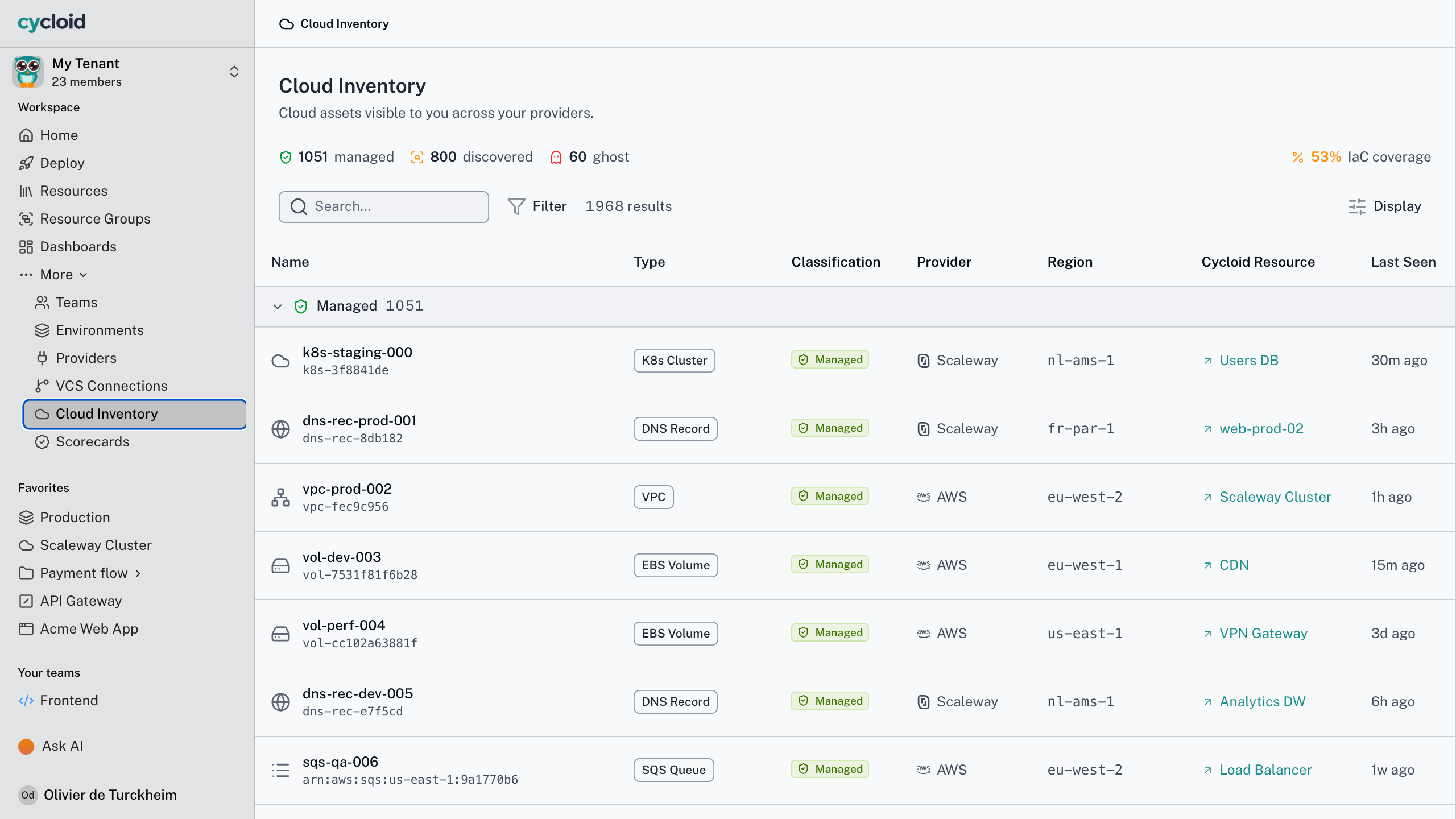
One inventory for everything Cycloid deployed, discovered or imported from Terraform state. Then the number your leaders keep asking for, the share of your estate under infrastructure as code.
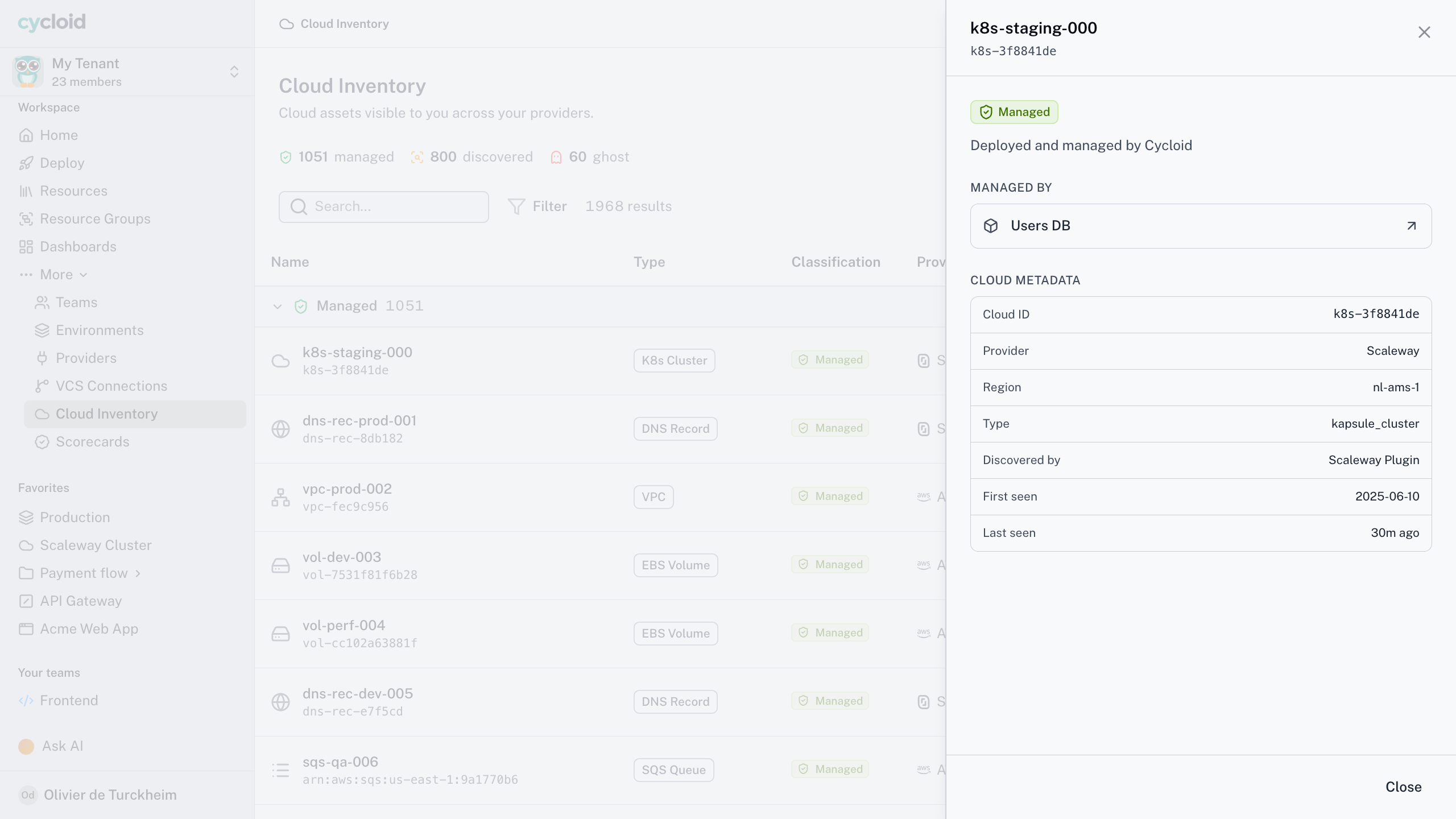
Inventory with IaC coverage %
The visibility gap
You cannot govern what you cannot see
Cloud estates grow faster than anyone’s picture of them. Someone spins up a resource by hand, a contractor leaves a stack behind, a team adopts a new region, and none of it shows up where governance happens. An asset nobody can see is an asset nobody owns, patches or brings under IaC. So the inventory pulls three sources into one deduplicated view, live at launch.
Managed
Resources Cycloid deployed. The inventory updates the moment an apply or destroy finishes. No polling.
Discovered
A live, plugin-based scan of your cloud accounts and Kubernetes clusters, provider by provider. The platform doesn’t mind which collector does the work.
Imported
Read from your existing Terraform state in S3, GCS, Terraform Cloud or GitLab. Read-only, so tools outside Cycloid keep running what they run.
Cycloid for your team
What one inventory means for each reader
Find the assets no one codified
The problem
Unmanaged resources you only meet during an incident.
With Cycloid
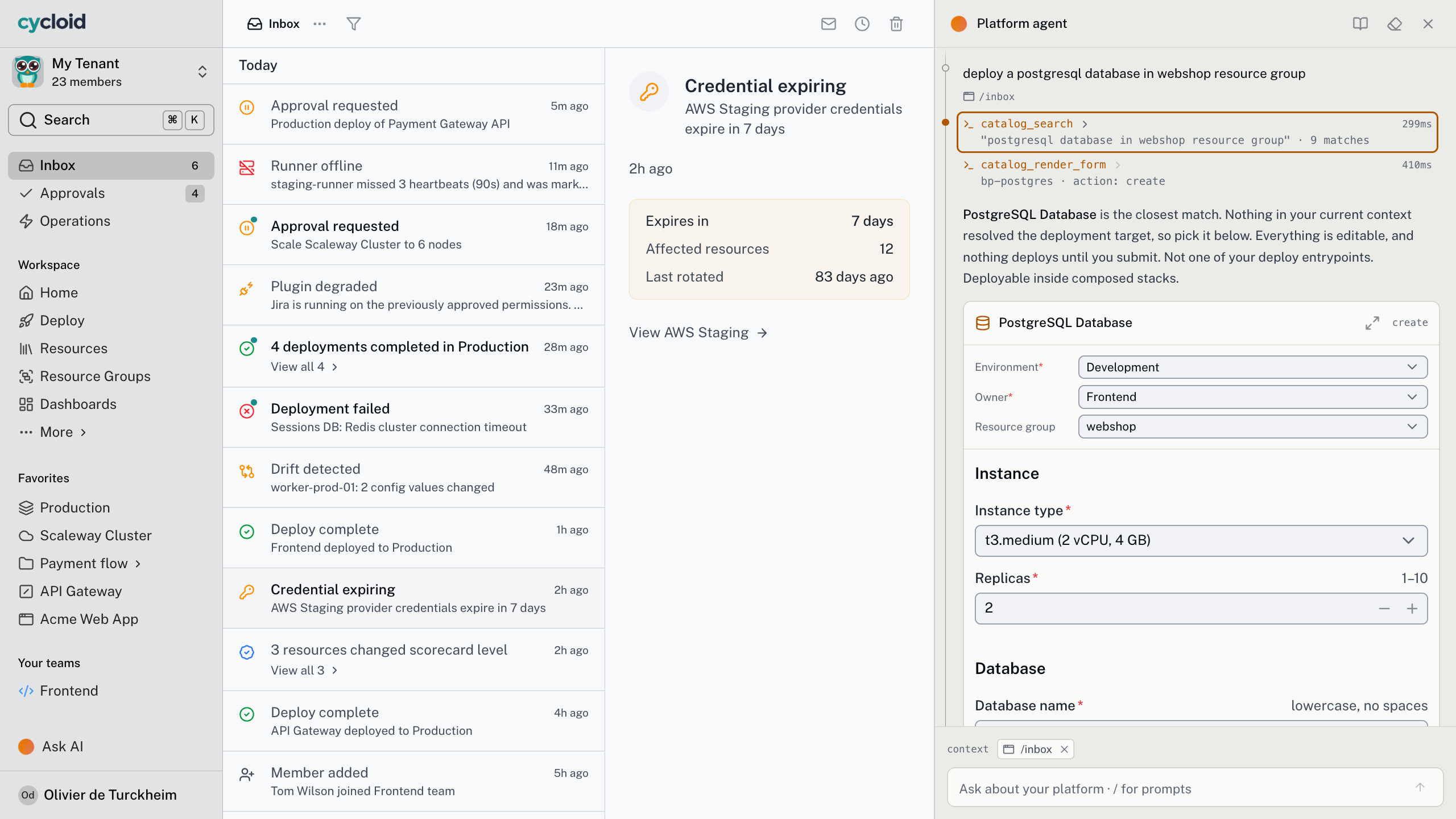
A live inventory with a coverage target to work down, and a graph that shows what to bring under IaC next.
The outcome
A shrinking list of Discovered assets, not a surprise in the next audit.
See what you own, and
what it touches
The problem
No idea what depends on the thing you’re about to change.
With Cycloid
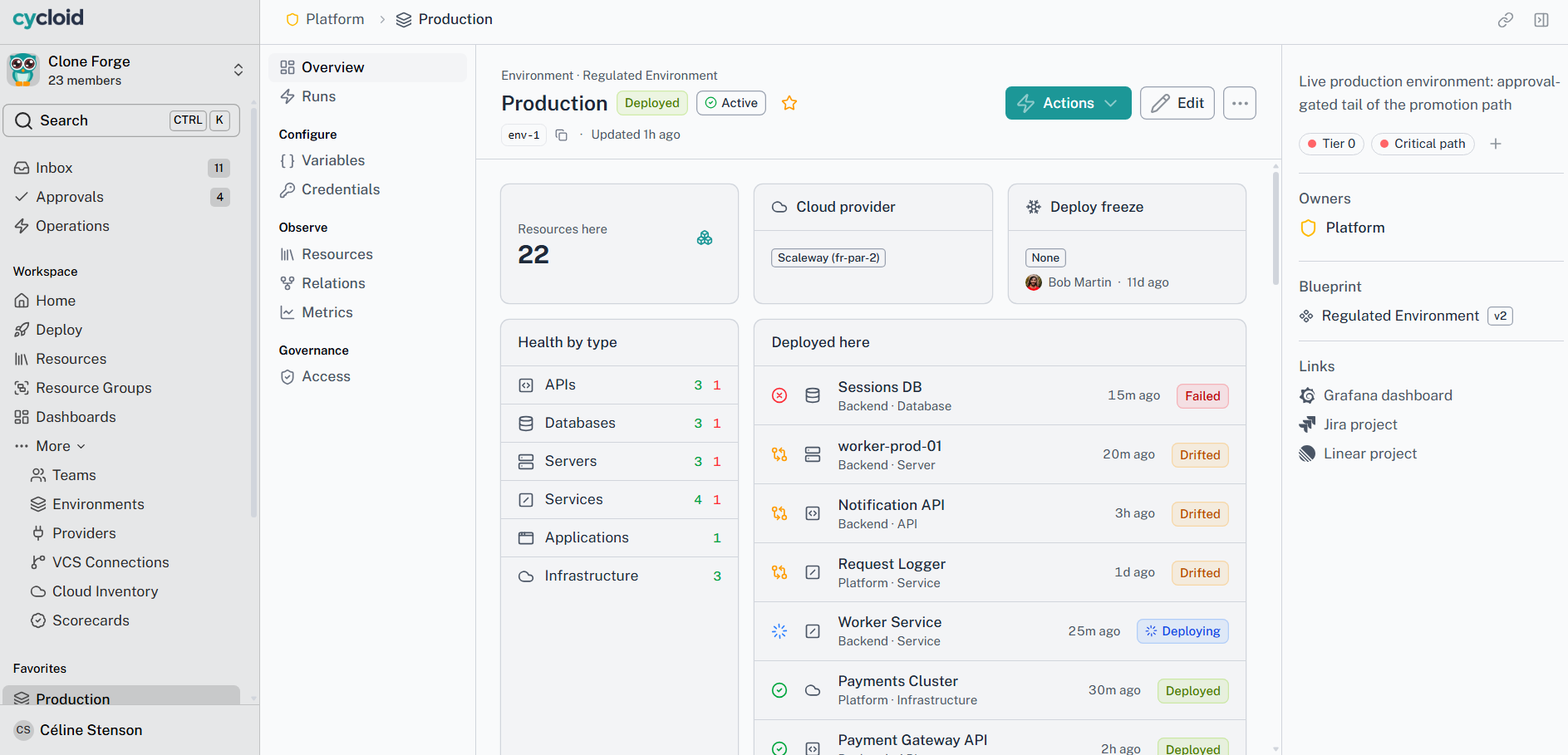
Every asset carries its owner, its source and its relationships.
The outcome
Check the blast radius before you touch it, not after.
A coverage number you
can report
The problem
“Are we under control?” has no honest answer.
With Cycloid
IaC coverage, tracked over time, per team and environment.
The outcome
A governance posture you can show, not assert.
How it works
From a cloud account to a coverage number
01 · Connect your accounts
Add a provider and discovery runs on a schedule. AWS, Azure, GCP and Kubernetes come through plugins.
02 · Every asset gets a state
Managed, Discovered, Imported, Ghost or Ignored. A Ghost sits in your state file but has gone from the cloud.
03 · Get the number
IaC coverage is the share of your footprint that IaC actually governs. Imported, Ghost and Ignored assets stay out of the sum.
04 · Watch it move
Daily snapshots track coverage by environment, team and account. An alert fires when it slips, before an auditor notices.
05 · See what it touches
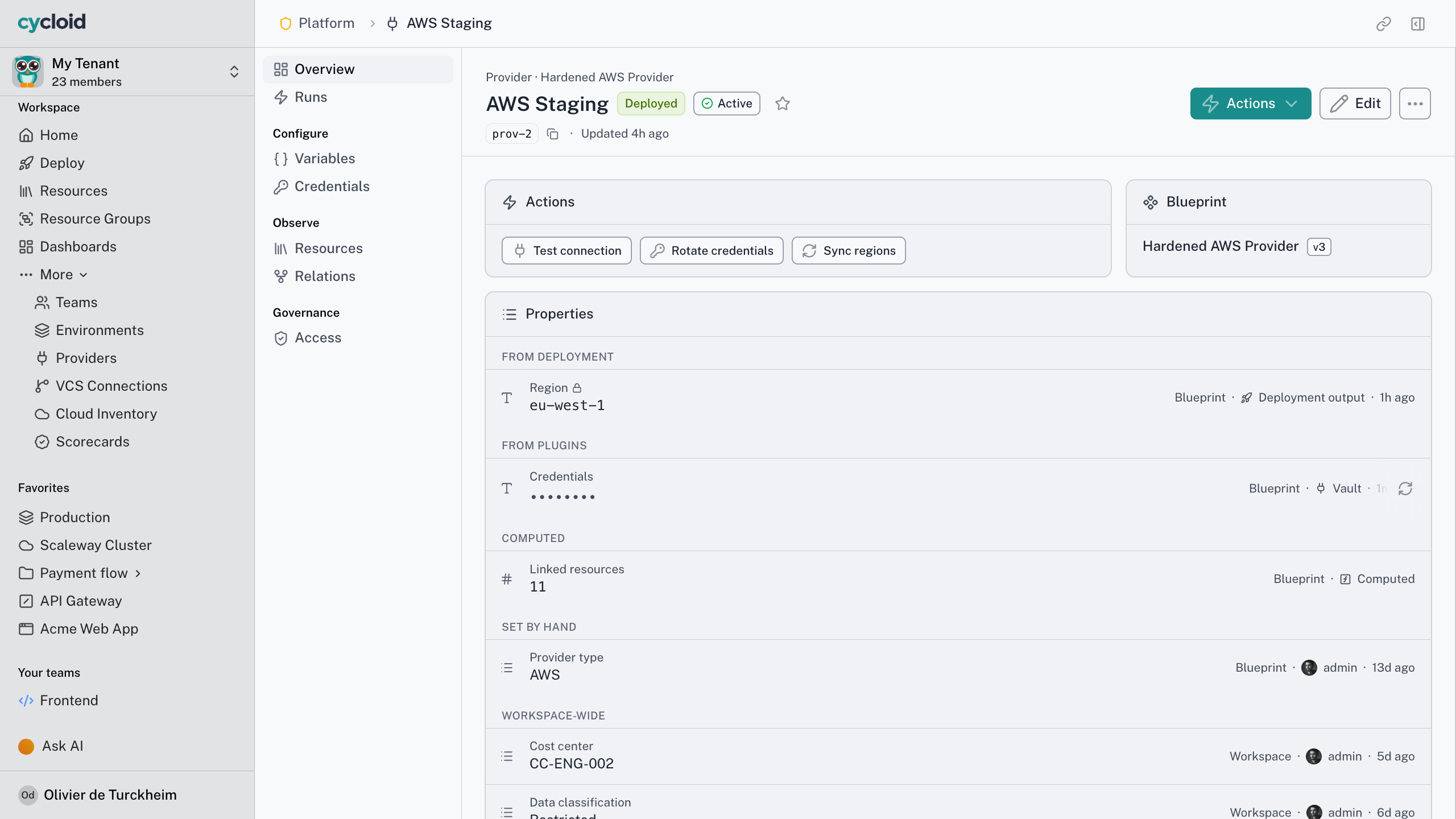
Each managed asset links to the Resource that controls it, and the graph shows what else moves with it.
Visibility follows your permissions. People see the assets they’re entitled to, and the graph prunes the rest rather than hinting at what it hides. A Drifted state arrives later with drift detection, and so does bringing a Discovered asset under a Blueprint. Until then a matched asset reads as Managed.
From a cloud account to a coverage number
The short version
Your estate, counted
3
sources, one list, no duplicates
5
states an asset can be in, Ghost included
1
coverage number, down to team and account
13
months of daily coverage history
What’s in staging, and what’s actually managed?

Fourteen assets in staging that you have access to.
Inventory · staging
Read-only
Managed by a Blueprint
11, Actions available
Imported
3, tracked, no Actions
Untagged owner
2 of the imported three
Working with your assistant
Your assistant shows you what's unmanaged, then stops
Does the assistant get its own permissions?
No. There’s no service account and no elevated assistant role. If you can’t deploy to production, neither can the assistant you’re talking to, in Cycloid’s own assistant or any compliant MCP host.
The inventory is read-only, and so is your assistant’s view of it. Ask what’s running in staging and it reads the same records the portal shows, filtered to what you’re allowed to see, each with its state and the Resource it belongs to.
It knows where it stops. An asset Cycloid doesn’t manage has no actions to call, so the assistant shows it to you and leaves it there. No pretending it has a handle on it.
“
We had several challenges: our move to infra-as-code, automation of our deployments, management of multiple environments, and finding a holistic view of our infrastructure.
Yannick Blondeau
CTO, Hotel Spider
Frequently asked questions
AWS, Azure, GCP and Kubernetes through provider plugins, plus on-prem and anything an inventory plugin can reach. Each provider syncs on a schedule, and you can refresh one on demand.
Yes, read-only. Point Cycloid at its own state or an external backend such as S3, GCS, Terraform Cloud or GitLab. It never writes back to state it doesn’t own, so nothing changes for the teams running it.
Managed assets divided by Managed plus Discovered, tracked in daily snapshots. Imported, Ghost and Ignored assets stay out, since something else governs them or there’s nothing live to count.
Not at launch. Cost, FinOps and carbon come in a later release, and the platform already reserves the extension points, so the data has somewhere to land the day it arrives. Nothing to re-plumb.
Point Cycloid at your accounts
Bring one cloud account you have never fully mapped. In twenty minutes we’ll scan it, classify what’s there, and show you a real IaC coverage number for it.