







Plugins
Extend it yourself. In TypeScript.
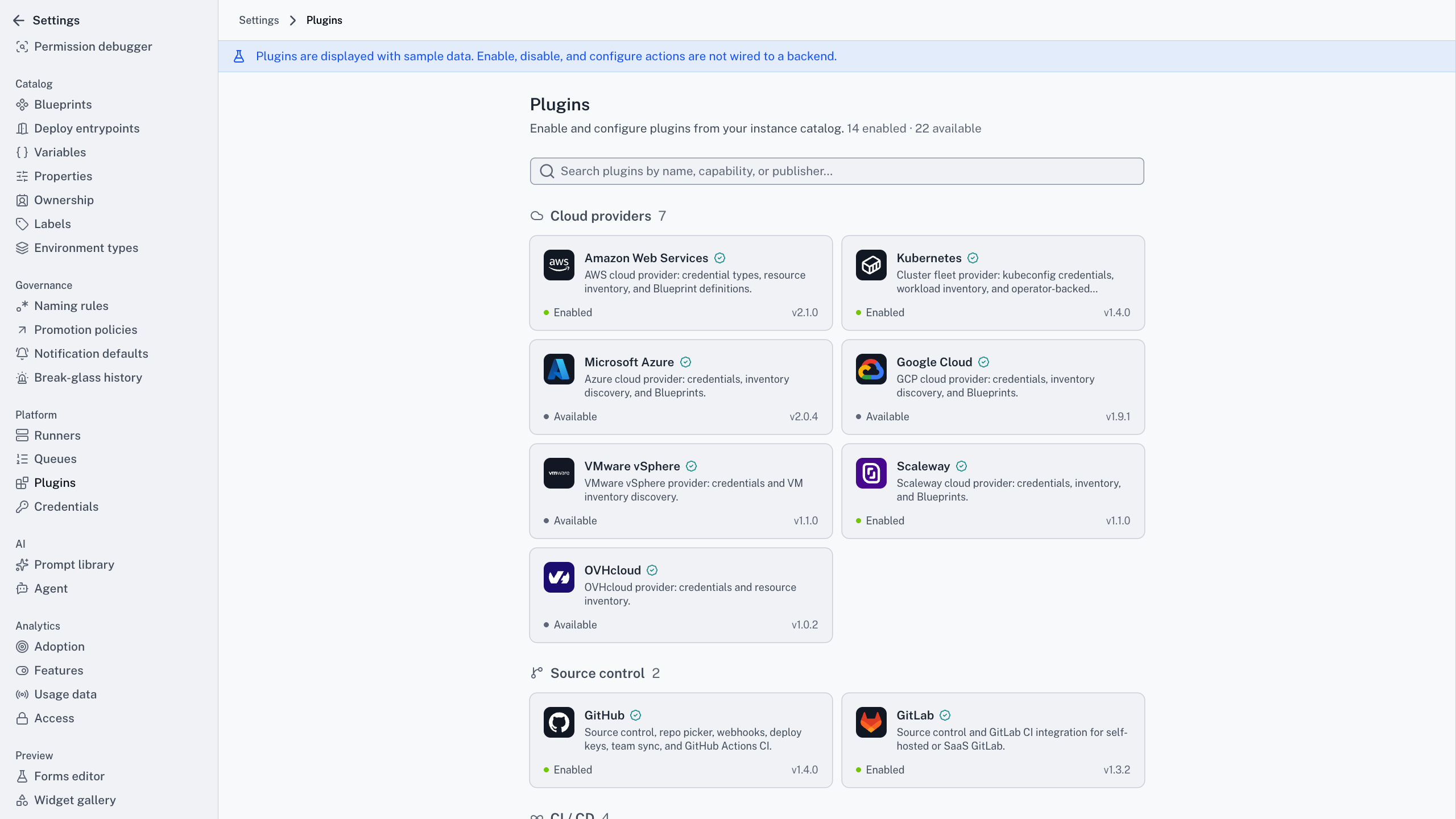
Cycloid’s plugins are TypeScript npm packages running in the same isolated runtime, whoever wrote them. One SDK, one permission model, and the same install path connected or air-gapped.
Plugin catalogue
The isolated runtime
A permission you didn't declare isn't a check you can fail
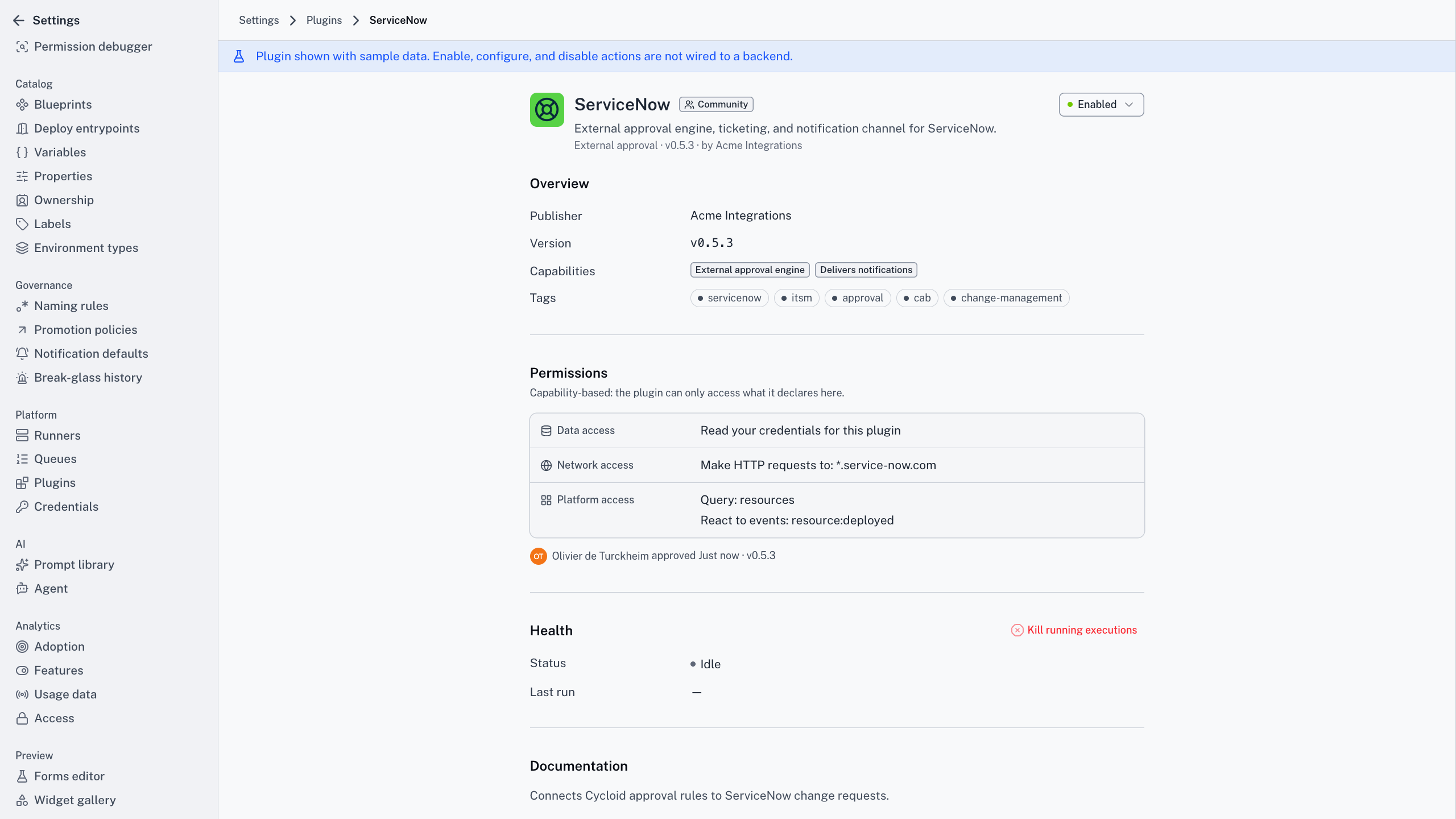
There’s no native tier and no container tier. Every execution, ours or yours, runs in its own Node.js Worker Thread, handed a context the platform builds from the plugin’s manifest. That manifest declares every API, domain and capability the plugin uses, and anything it didn’t declare simply isn’t there to call. A permission you never granted isn’t a check that might be missed. It’s a method that was never on the object.
A crash takes the thread
A plugin that throws kills its own Worker Thread and nothing else. Other tenants keep running, and the job retries on the next invocation.
Memory is capped
Limits sit on the thread. A leak hits a thread-level kill instead of dragging the platform down, and its neighbours never notice.
A hang is terminable
Every execution carries a wall-clock timer, and an admin can kill a running one from the health view. Both end the thread rather than waiting politely.
Cycloid for your team
What plugins change for each reader
The gap is a directory,
not a queue
The problem
The source you need isn’t supported, so the answer is a feature request and a release cycle you don’t control.
With Cycloid
One SDK, one runtime, and a scaffold command that produces a working skeleton you publish to your own registry.
The outcome
You add the connection yourself, on your timeline.
It is just a TypeScript package
The problem
Extending the internal platform means learning its internals, and those are somebody’s side project with no types.
With Cycloid
Full type definitions, a local dev server that simulates the runtime, and a validate command that catches manifest mismatches before you publish.
The outcome
You write it the way you write anything else.
Extensibility with an
approval record
The problem
Every extension point is an unreviewed way into your data, and you learn what it reaches after something goes wrong.
With Cycloid
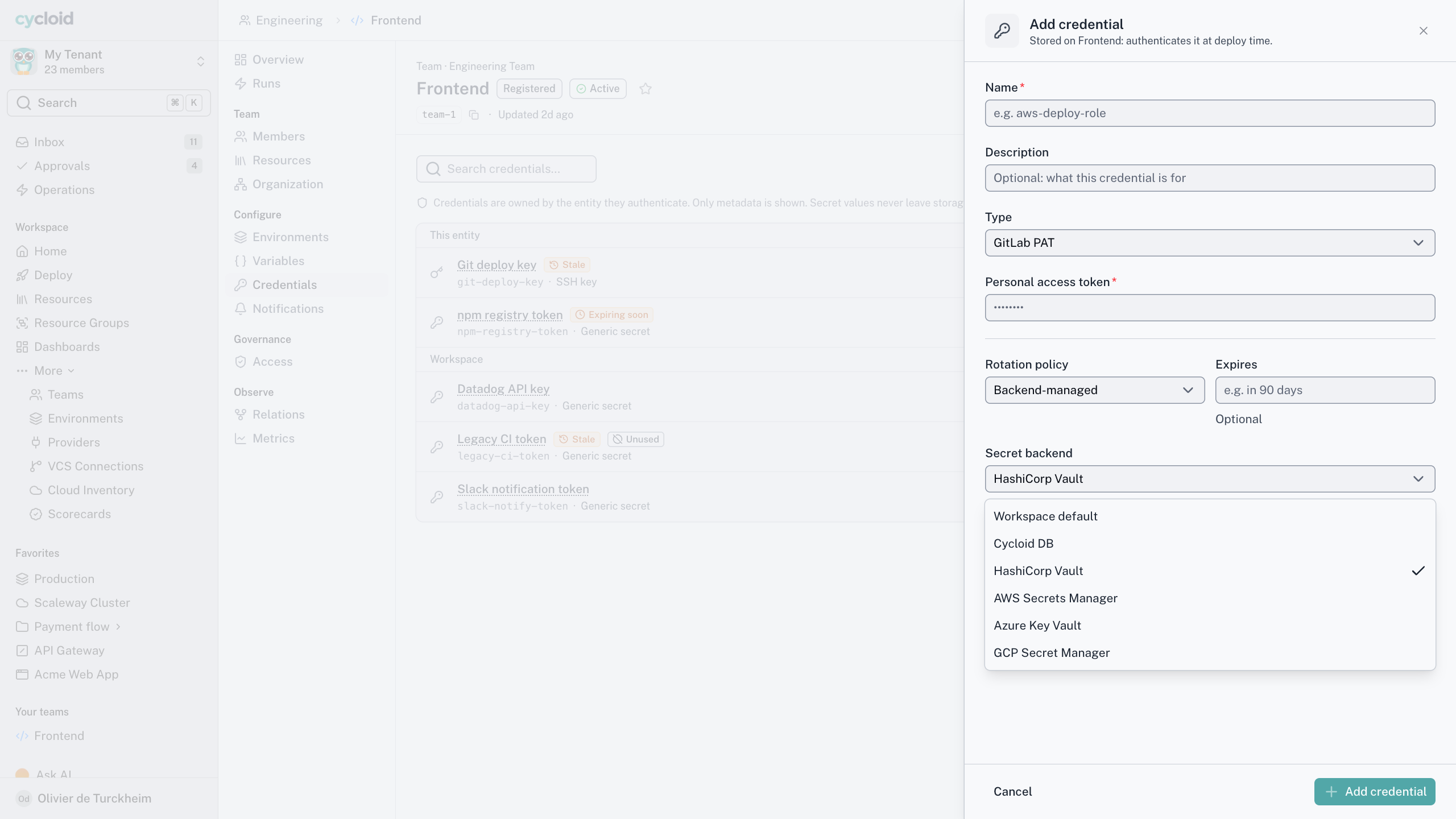
Permissions are declared in the manifest, approved per tenant on a consent screen, stored with the approver, and can’t grow through an update without a second approval.
The outcome
You can say what a plugin reaches without reading its source.
How it works
From a TypeScript package to a governed capability
01 · Write it in TypeScript
One SDK, full types, and a scaffold command that hands back a working skeleton.
02 · Publish to the registry
Run npm publish against the instance’s own registry. Air-gapped, an administrator uploads the tarball instead.
03 · An admin installs it
An instance administrator adds it to the catalogue. Nothing runs until they do.
04 · A tenant enables it
A tenant administrator turns it on after a plain-language consent screen. Nothing is pre-checked.
05 · It runs isolated
Each execution gets its own Worker Thread with only what the manifest declared. A method you didn’t grant isn’t there to call.
The same path is the governance. A plugin reaches only the tenants that switched it on, and when an update wants more than you approved it waits for a fresh yes before it runs. Nothing grows its own access on the quiet, and every approval, and every change to one, lands in your audit log.
From a TypeScript package to a governed capability
The short version
Four numbers worth keeping
8
kinds of access a plugin can ask for
2
gates before it runs
1
version live at a time, pinned
0
ways to reach what it didn’t declare
Scaffold a plugin that pulls Jira issues onto service pages.

Here is the skeleton. One capability, one declared domain, one scheduled handler.
Manifest · jira-issues
Draft
Capability
data-collection, onSchedule
Network
your-org.atlassian.net only
Working with your assistant
An assistant can write the plugin, it does not gain from the plugin
Does the assistant get its own permissions?
No. There’s no service account and no elevated assistant role. If you can’t deploy to production, neither can the assistant you’re talking to, in Cycloid’s own assistant or any compliant MCP host.
The SDK assumes a lot of plugins will be written by an assistant rather than by hand. One language, full types, and a scaffold command that hands back a working skeleton. Describe what it should pull and where it should show up, and you get a package you review, validate and publish.
The other half is worth being blunt about. Installing a plugin gives the assistant nothing. Its tools are the platform’s own, plus the per-form tools from your Blueprints, assembled fresh for whoever is asking. A plugin extends the platform. It does not extend the assistant.
“
The Cycloid platform is easy to use, interoperable with our existing setup, and allows us to centralize all our open source tools because it is agnostic to any provider. There's no lock-in which allows us to automate the way we want.
Abraham Gaougaou
Head of Managed Services, Valiantys
Frequently asked questions
TypeScript, and only TypeScript, on purpose. One language means one SDK and one contract to reason about. That matters more now that an assistant writes half the plugin code anyway.
The manifest. A plugin only gets what it declared, so an undeclared method simply isn’t there to call. Ask for more in an update and the tenant stays on the approved version until an admin agrees.
Yes. An admin uploads the npm tarball through the UI. Signature checks work offline, because the public key travels with the platform, so provenance holds without any connection.
Bring the source we do not support yet
Twenty minutes, the system you wish were connected, and the manifest and handler it would take. We’ll show you the consent screen your tenant administrator would see before it runs.