IMPLANTACIÓN DE DEVOPS
Cycloid para la Implantación de DevOps
¿Ha muerto DevOps? Por supuesto que no: es la base de todo lo que el platform engineering persigue.
¡Sigue luchando por ello!
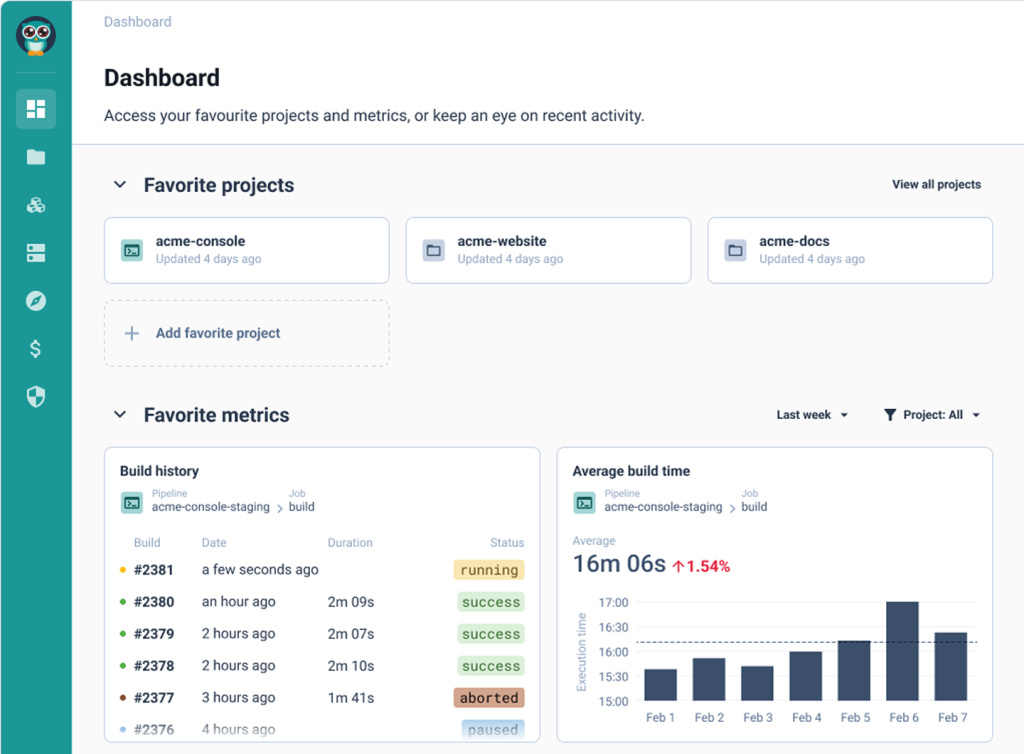
In this video, we are going to review how the platform teams will implement your CMP and IDP use cases. So let's get started. The first thing you want to do as a DevOps is to create what we call a stack, which is basically an automation. So let's push this button, create a new stack. And as you can see, you have two options, import your infrastructure with generate infrastructure as code from something already deployed or create from blueprint, which is a blueprint of, an automation that your center of excellence will have approved. So let's go for that. Here you can see we have, multiple automations including Terraform, Ansible, and Chart. You can add more, of course, such as native Kubernetes manifest or for Argo CD or for Flux or for any other kind of automation. You can build your own blueprints. So let's take, Terraform for AWS as an example here, and I'm going to create a stack that is, for example, named my infra on AWS. And I'm going to push this blueprint inside this catalog repository. So let's go. Here it is. I have my new stack that has been pushed in this repository. Let's have a look at it. So I'm going to go here. This is my demo organization git that has been connected to my organization. And here I can see on my stacks branch. Okay. I have my info on AWS stacks. So if I go in here, we can see that just now we have pushed a template of a stack that deploys some Terraform on AWS. So now as a DevOps, what I need to do is to customize my Terraform in the first place. So I will go in my instance. So these are just examples. Okay. So you need to customize this. These are just, simple examples. Then the second thing you want to do is, to review the pipeline because the pipeline is executing the Terraform. But, maybe you want to have a look at it. Okay. So especially the variables that are passed to my Terraform modules. Okay. So these are the variables passed to your Terraform modules. It's pretty simple in that case. And, here you have just the execution of the Terraform. This is the destroy, and here you have the Terraform apply that is, just here. Pretty simple. It's, pure YAML. The template usually is good enough, so you don't have to change so much if you want to just execute some Terraform. Then you have the dot cycloid dot YAML, which is the metadata on how the stack is displayed on the portal. So you have, here the name for the stack. You have a description, you have an image, some keywords. So it's basically how it is displayed. And then you have the read me, which is, some documentation the user can see directly if you click on the stack in the portal. So now I want to check this dot form dot HTML, which is a very important file. It is actually the design of the web form that you want to expose to the end user when he wants to actually use the automation and deploy some infrastructure, for example, or some applications. And here, I want to expose some AWS account list, some region, taken from this endpoint. It's just examples, of course. I want to to have the end user select an instance type. It will be a Terraform variable named VM instance type. And, I allow the end user to select between these three choices. The default value will be that one. Okay. And, basically, if you want to design all these as as a DevOps, you will copy this file and then go to tools, stack form editor. And then here, I will just paste this file. I validate. And as you can see, there is no error. So the syntax is good. And here you can actually play with it. So you can see how it looks like. So here, for example, my instance type, I have these three choices and you can see these three choices are presented in, what we call a slider list. Okay. So it's a slider list, in a horizontal manner. Here you have a slider range between a minimum and a maximum value, and you it's rendered exactly like that. So you can choose, for example, one hundred, gig here. And you can really, do very powerful things with, for example, conditional fields. So here you have examples you can directly use. And here you can see if I select this, there is conditional field for advanced use cases, for example. Or you have, you know, dynamic values. So if you want, for example, to have, here from ten to fifty, and if I select that, then the values will change. Okay. And that's what you can actually see in here. So that's kind of logic you can do as well. So you really build your StackForms, design, in this tool. And whenever you are happy with it, you go back in here and you push your file in the git repository. So that's basically what a DevOps will do. Okay. So that's how you create stack, and make them available to your end user. But you want also to customize the portal itself. So to do that, you will go to organization settings. And here you can brand exactly in your color the the portal. Right? So here I have put my logo. I have put my color. But if you want to change the color, that's not a problem at all. You will just go here and, select another color. And whenever you are happy, you can do save. And then and then you can see the color has changed because I have just changed the color of my custom white label portal. Another thing very, very important, is the possibility to customize the portal. So you can really integrate any third party tool that you may have. So this is how your platform team will be able to build a service catalog for your end users, display it in a custom self-service portal exactly branded with your logo and your colors, and also expand the portal with some custom plugin to integrate your different tools. So all your users have all the information they need in one place. I hope you enjoyed this video.
¿Cuáles son los retos?

Los valores DevOps todavía no son los valores predeterminados de tu organización


Trasladar los beneficios del DevOps a tus equipos es más difícil de lo esperado, ¿verdad? Diez años después, la mayoría de las empresas siguen perdidas en la traducción. El ensayo y error puede llevar a decisiones cuestionables, como plataformas DIY que crean más problemas de los que resuelven, infraestructura manual que sigue arrastrando a la gente hacia abajo, y más contrataciones «desesperadas» de las que nunca pensaste posibles. ¿Sabes por qué? Porque el problema real es más grande que las herramientas o los nuevos ingenieros: se trata de agilidad, flujo y sostenibilidad. Es una tarea considerable, ¿tu IDP está a la altura?
Unlock DevOps in your organization and watch the business flow and grow
Nuestra plataforma está diseñada para la gestión del cambio organizacional
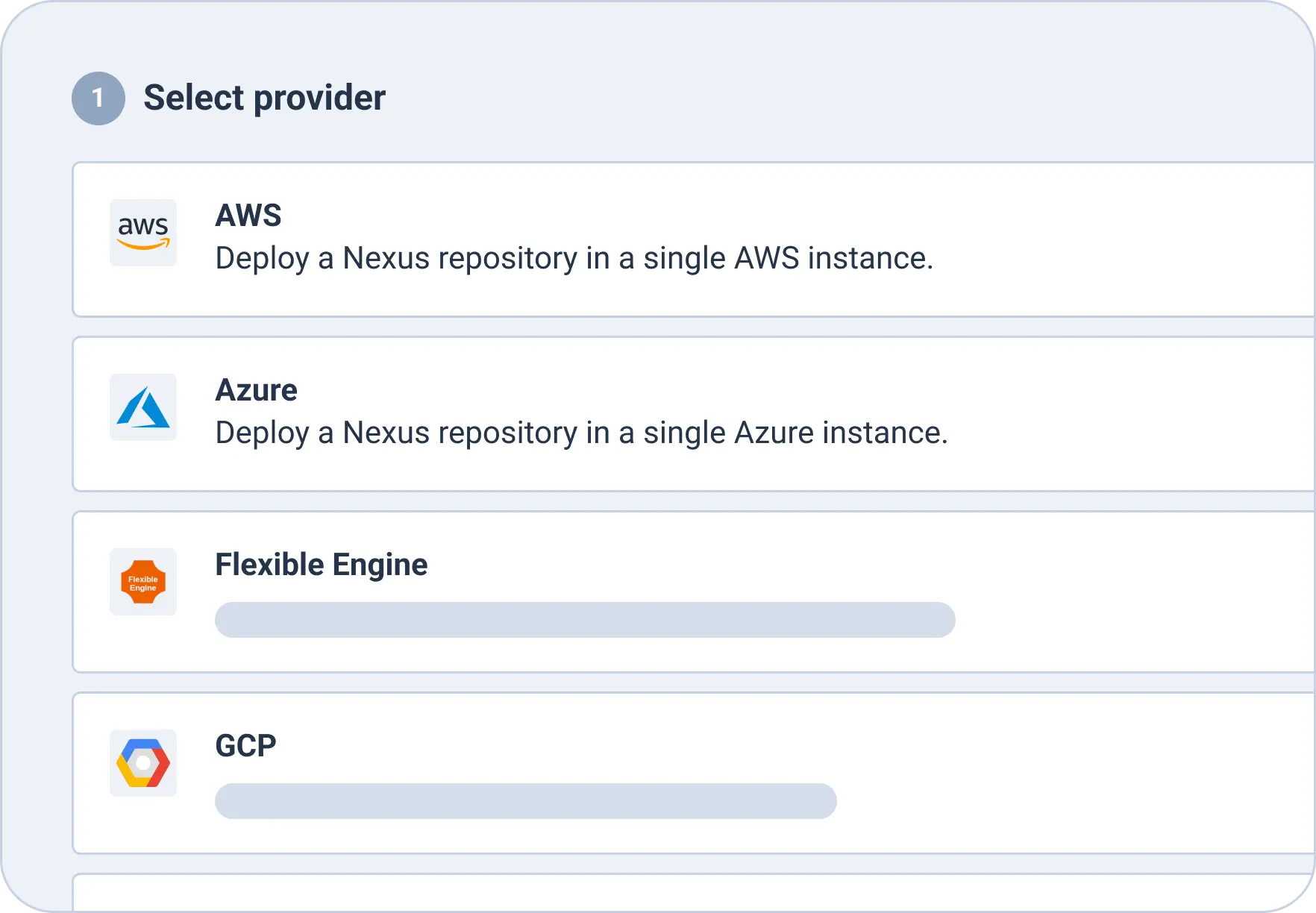
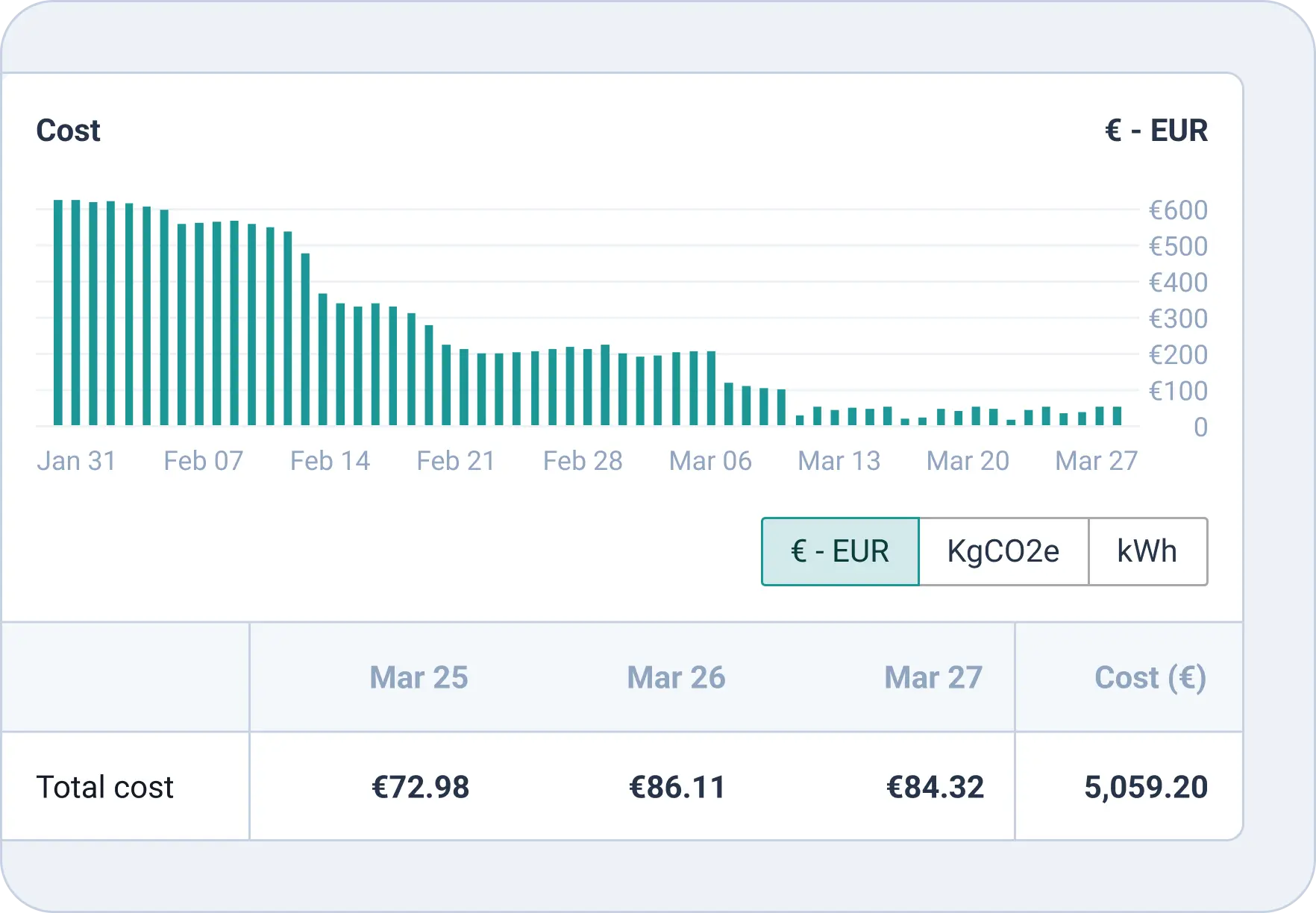
Lo hemos dicho una y otra vez: la transformación digital trata sobre la gestión del cambio, no sobre las herramientas. Y la gestión del cambio recae en las decisiones y acciones de tu equipo. No podemos, ni debemos, tomar esas decisiones por ti, pero una vez que las hayas tomado, podemos ayudarte a que se consoliden. ¿Decidiste por fin controlar tus costes cloud derrochadores? Cloud Cost Management es para ti. ¿Decidiste auditar y reforzar los permisos? InfraPolicies está contigo en cada paso. ¿Decidiste migrar al cloud pero necesitas una solución para tu infraestructura legacy? Infra Import es la herramienta para ti. El cambio hecho tangible.
Cycloid empodera al equipo que tienes, no al que crees que deberías contratar
Muchas organizaciones cometen el error de pensar que para implantar DevOps necesitan contratar un equipo de platform engineering completamente nuevo. No es así: no solo es injusto para tu equipo actual, sino que es costoso, complicado y realmente muy difícil. En cambio, Cycloid te da herramientas que te permiten empoderar y capacitar al equipo que ya tienes, dando a los devs acceso a la infra con herramientas como StackForms, abriendo tu infraestructura a todas las partes interesadas con InfraView, y asegurándose de que toda esta flexibilidad e independencia no lleve al caos, con funcionalidades orientadas a la gobernanza como Cost Explorer, Roles Personalizados e InfraPolicies.
Necesitas sostenibilidad, integrada desde la base
La sostenibilidad no es una moda ni algo pasajero. Es una metodología sostenible y probada para ayudar a las empresas a transformar sus equipos tecnológicos y escalar al ritmo del negocio moderno, teniendo también resistencia a largo plazo. Planifica a largo plazo y prepárate para cambios imprevisibles asegurándote de contar con una plataforma personalizable y de extremo a extremo que pueda moverse y cambiar tan rápido como necesites. Con integraciones casi ilimitadas, sin bloqueo de proveedor y funcionalidades que cubren el SDLC de principio a fin, Cycloid es la herramienta que desearás haber tenido cuando todo encaje y tu empresa apunte a las estrellas.

Resultados
Mentalidad DevOps-first
Sé el visionario y ayuda a tu equipo a adoptar una mentalidad DevOps-first para alcanzar el éxito, con la ayuda de Cycloid.
Equipo capacitado.

No más contrataciones extra: empodera al equipo que tienes para que sea el equipo que necesitas.
Base sólida

Construye el éxito a largo plazo y prepárate para un futuro brillante desde el primer día con Cycloid.
Resultados con Cycloid
Cycloid proporciona las funcionalidades esenciales que necesitas para entregar un portal interno de desarrolladores en menos de un mes con tu equipo de plataforma
Mentalidad DevOps-first
Sé el visionario y ayuda a tu equipo a adoptar una mentalidad DevOps-first para alcanzar el éxito, con la ayuda de Cycloid.
Equipo capacitado
No más contrataciones extra: empodera al equipo que tienes para que sea el equipo que necesitas.
Base sólida
Construye el éxito a largo plazo y prepárate para un futuro brillante desde el primer día con Cycloid.